

Best Image Editor products
Explore our curated selection of image editing tools and software. We help you discover the best products tailored to your needs, enhancing your creative projects effortlessly.
Paid
Stylize
AI-powered tools to enhance, edit, and upscale photos.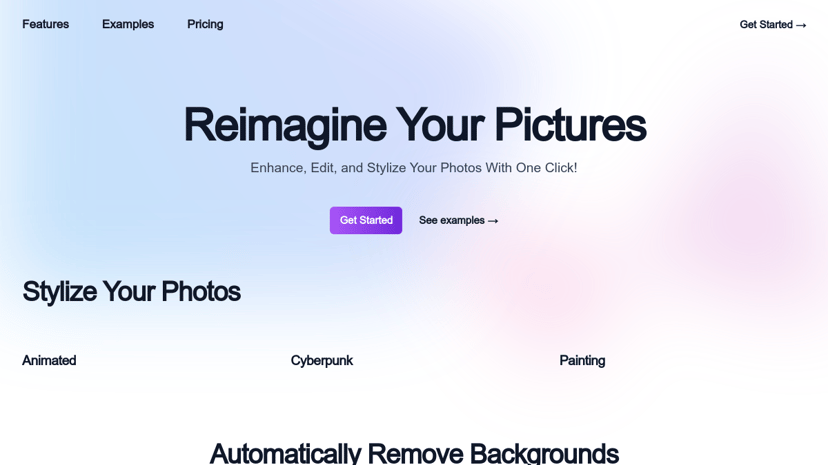
Freemium
PhotoKit
AI-based online photo editor for basic and advanced edits.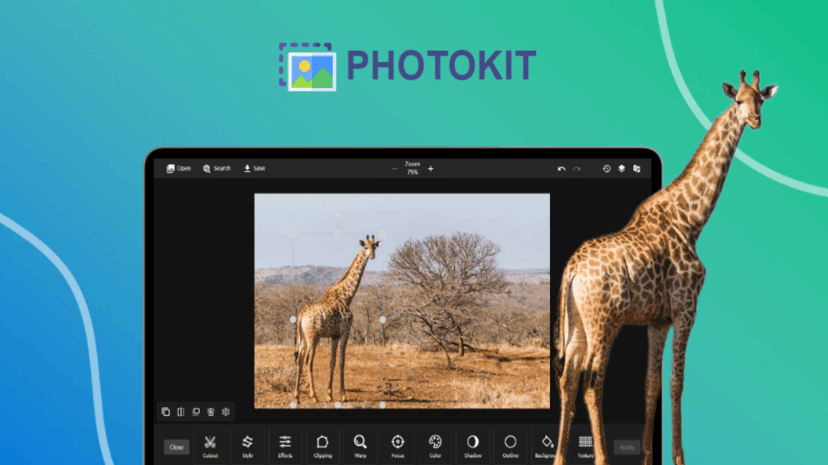
Freemium
SoulGen
AI tool for creating custom character art from text.
Freemium
PhotoDiva
AI-powered free portrait editing software for enhanced beauty.Free
GIMP
Powerful, flexible image editor with extensive customization options.
Paid
Pixilio
Ultimate AI image generator for custom visuals in seconds.
Paid
Nail Designs Pro
AI-powered generator for custom nail design ideas.
Paid
BoostPixels
AI-driven image generation from text and images.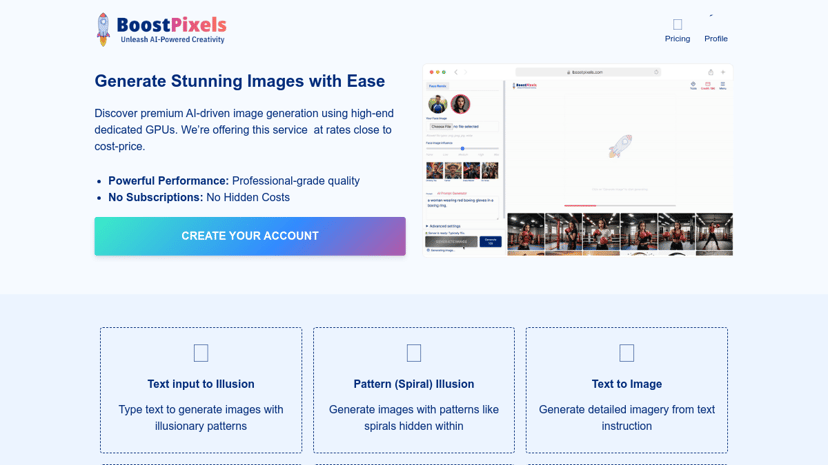
Freemium
PicWish
User-friendly AI photo editor for background removal and enhancement.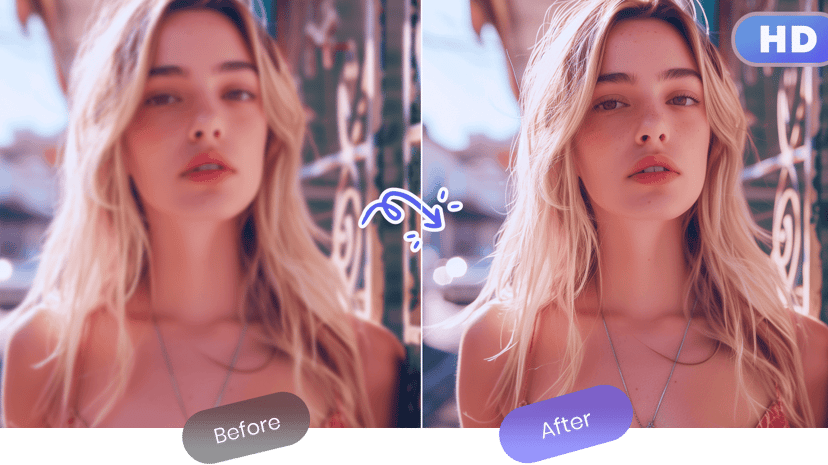
Freemium
HitPaw
Powerful AI-driven multimedia solutions for video, audio, and images.
Freemium
Gencraft
AI art generator for stunning images and creative remixes.
Free
AI Ease
AI-powered photo editing tools for enhancement and restoration.
Freemium
Delete BG
AI-powered tool for quick and easy background removal.
Freemium
Photopea
Online photo editor with advanced features for creative projects.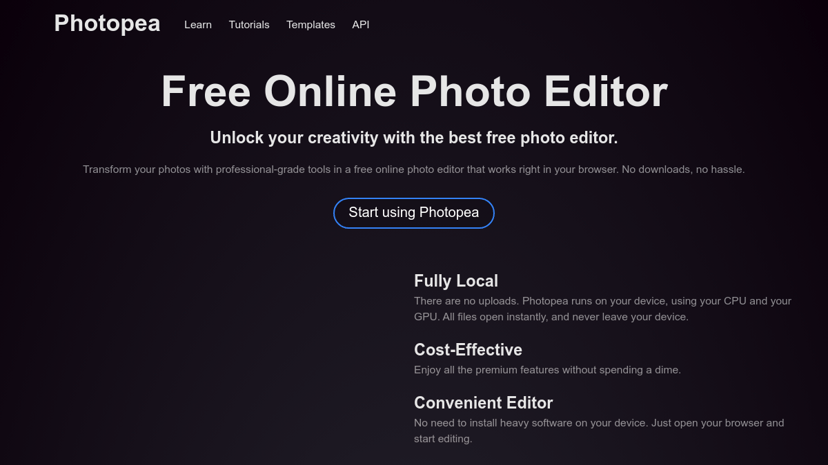
Freemium
AiPassportPhotos
AI-powered tool for quick, compliant passport photo creation.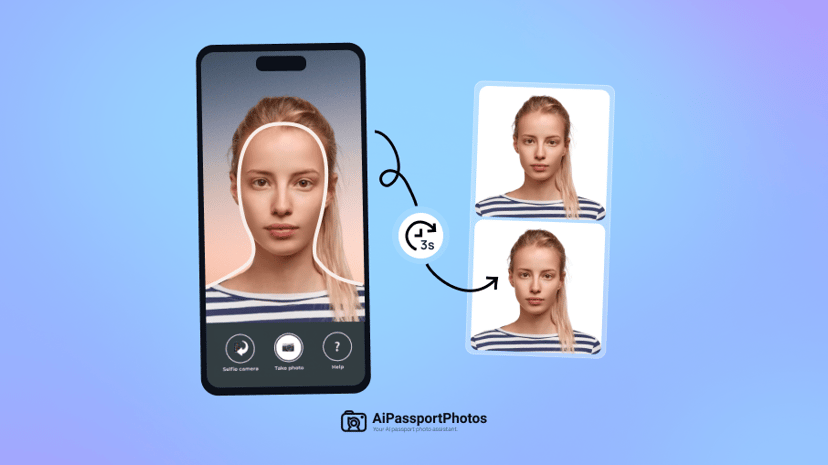
Product
Modyfi
Multidisciplinary design platform for creative editing and collaboration.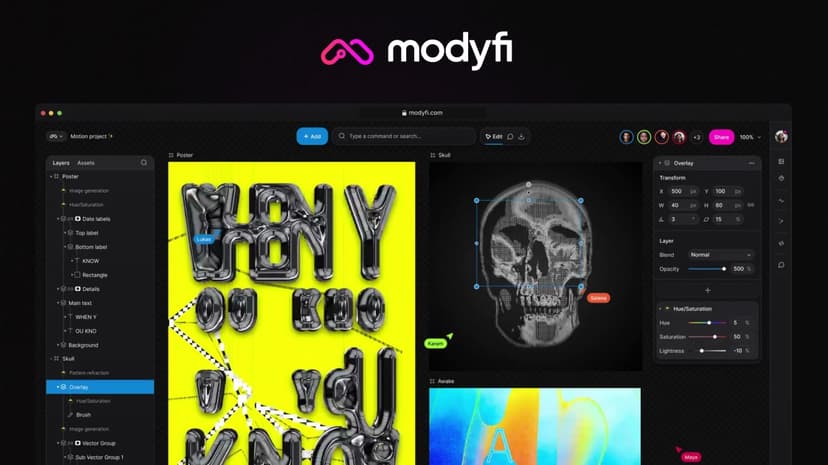
Freemium
getimg.ai
AI tools for generating and modifying images and videos.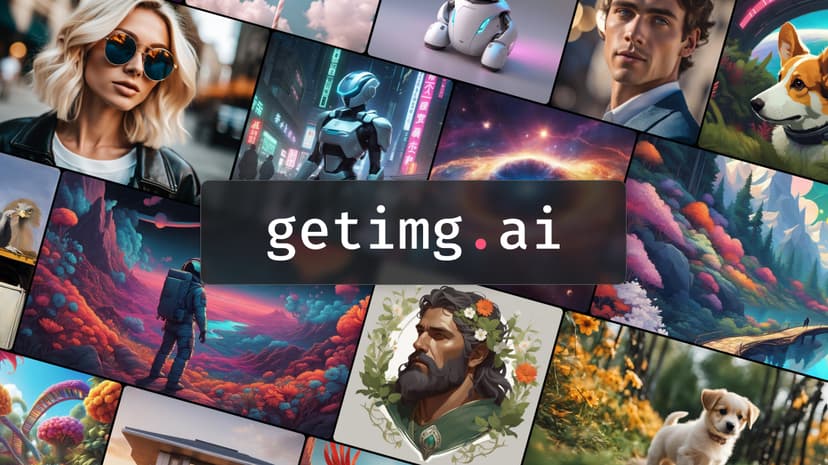
Freemium
InPixio
Online photo editor for background removal and image enhancement.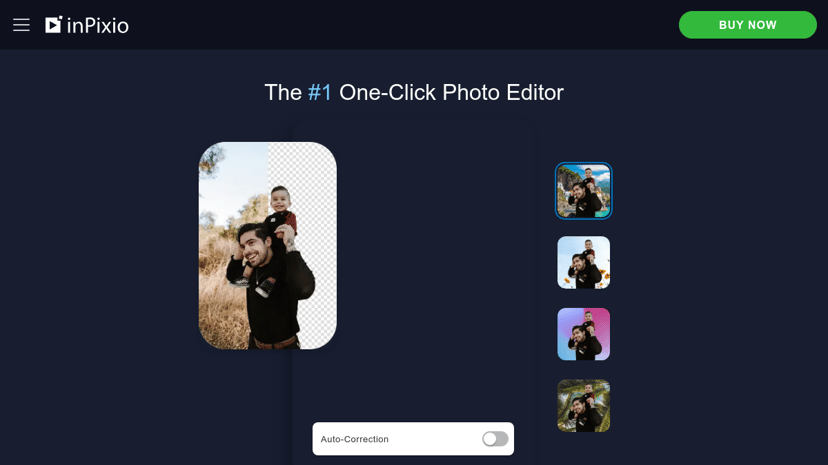
Freemium
Deep Art Effects
Transforms photos into artworks using AI style transfer.
Freemium
Photoleap
Creative photo editing app with advanced features and tools.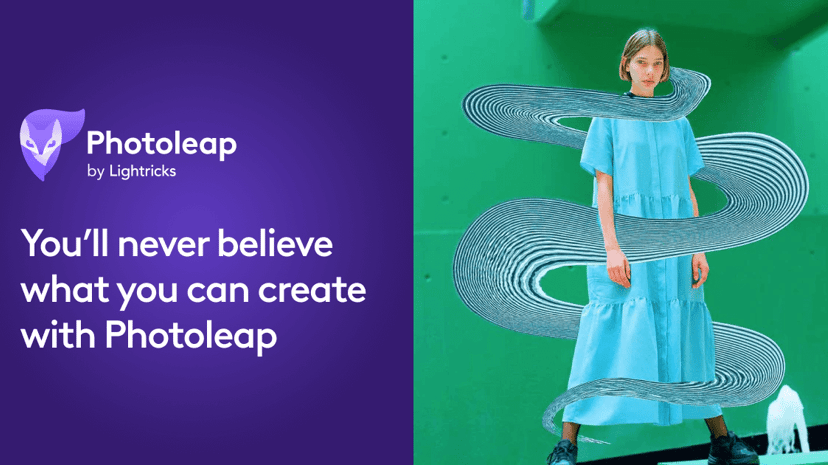
Freemium
Paint.NET
Image and photo editing software for Windows PCs.
Freemium
Imagewith.AI
AI image editor for enhancing, upscaling, and removing backgrounds.
Freemium
FaceApp
AI-powered photo editor with multiple filters and effects.
Freemium
insMind
AI photo editor for background removal and image enhancement.
Freemium
Pixlr
Free online photo editing and design tool with AI features.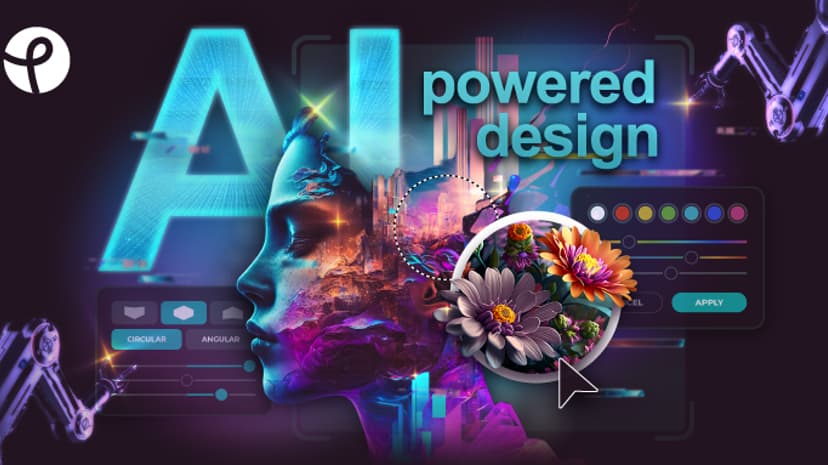
Freemium
Facetune
AI-powered photo and video editing tools for creative transformations.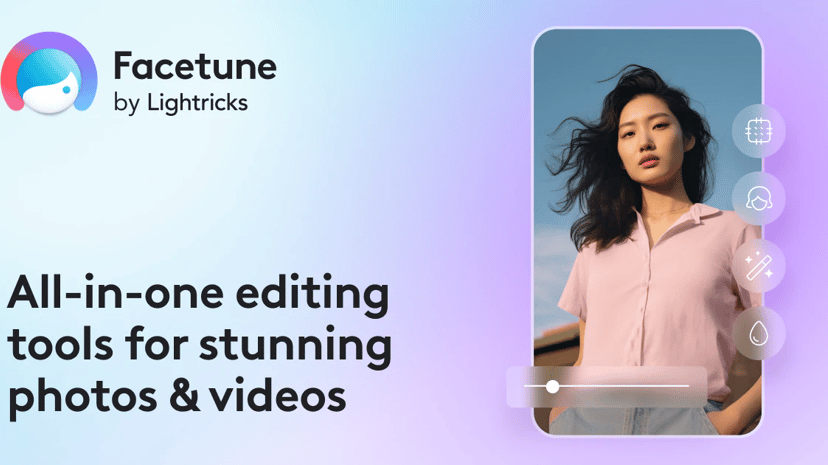
Product
DPTH
AI-powered app for adjusting photo focus and depth effects.
Freemium
Fotor
Free online photo editor with powerful editing tools.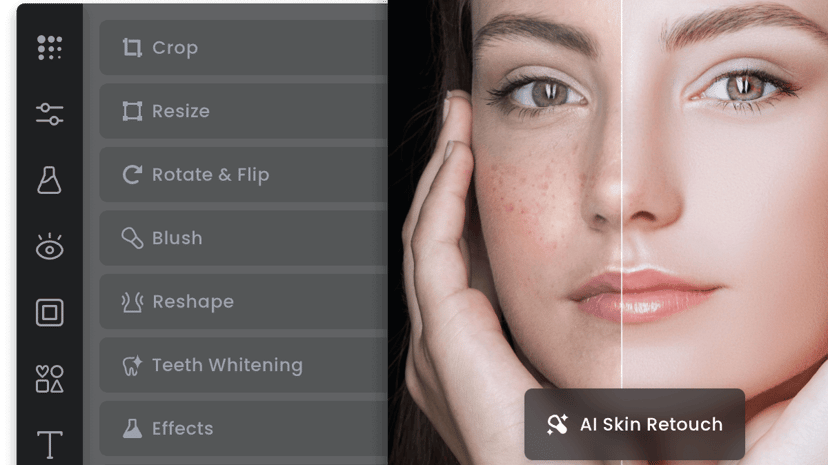
Freemium
Impossible Images
Royalty-free stock images and AI image generator available.
The Power of Image Editors in the Digital Age
Image editors have become an essential tool in the arsenal of both professionals and enthusiasts. From photographers and graphic designers to social media managers and bloggers, image editing software helps in customizing, enhancing, and perfecting digital images. This article delves into the significance of image editors, their benefits, and the considerations to keep in mind when selecting one.
What is an Image Editor?
An image editor is a software application that allows users to manipulate visual images on a computer. These tools can perform a variety of tasks such as cropping, resizing, adjusting brightness and contrast, applying filters, and much more. Modern image editors, like Adobe Photoshop and GIMP, offer a robust set of features that cater to both simple and advanced editing needs.
Why Use an Image Editor?
Enhanced Visual Appeal
In an era where visual content dominates online spaces, well-edited images stand out. They capture attention, convey messages more effectively, and can significantly enhance the aesthetic quality of blogs, social media posts, and marketing materials.
Improved Professionalism
For businesses, image editors offer the ability to maintain a consistent visual identity. Edited images can reflect a brand's professionalism, increasing credibility and trust among customers.
Creative Freedom
Image editors provide a platform for creative expression. Whether it's creating unique graphics, adding artistic effects, or transforming photos into entirely new artworks, these tools empower users to bring their imaginative visions to life.
Correcting Imperfections
Not every photo comes out perfect straight from the camera. Image editors help in correcting imperfections such as red-eye, blemishes, and unwanted backgrounds, ensuring that the final image is polished and professional.
Common Features of Image Editors
Basic Tools
Most image editors come with basic tools like cropping, resizing, and adjusting brightness and contrast. These tools are fundamental for everyday editing tasks and improve the overall composition and quality of images.
Advanced Editing
Advanced features such as layers, masks, and blending modes allow for complex edits and manipulations. These features are essential for professional-grade editing, enabling precision and control over every detail.
Filters and Effects
Pre-set filters and effects can quickly transform the look and feel of an image. While some editors offer basic options, others provide extensive libraries of customizable filters and special effects.
Text and Graphics
Incorporating text and graphics into images is a common requirement, particularly for social media content and advertisements. Text tools, shape tools, and various brush types enable users to add creative elements directly onto their images.
Export and Format Options
A wide range of export options and supported formats is crucial for compatibility with different platforms and requirements. Whether saving images for web use or printing, flexibility in file types is paramount.
Choosing the Right Image Editor
Usability
Ease of use can significantly influence the choice of an image editor. Software that offers intuitive interfaces and clear tutorials can make the learning curve more manageable, especially for beginners.
Feature Set
Selecting an image editor that aligns with your specific needs and skill level is crucial. Professionals might prioritize advanced editing capabilities, while beginners might seek straightforward, basic functionalities.
Cost
Image editors range from free, open-source options like GIMP to subscription-based software such as Adobe Photoshop. Weigh the cost against the provided features to determine the best value for your needs.
Community and Support
Active communities and robust support systems add considerable value. Access to tutorials, forums, and customer service can make using the software more efficient and enjoyable.
Compatibility
Ensuring that the image editor is compatible with your operating system and other hardware is essential. Performance issues and potential incompatibilities can disrupt workflow and impact productivity.
In conclusion, image editors are invaluable tools that enhance visual content and foster creative expression. By considering usability, feature set, cost, community support, and compatibility, users can select the most suitable software to meet their individual or business requirements. The right image editor can significantly elevate the quality of digital images, aiding in the achievement of personal and professional goals.