

Best Password Management products
Password management ensures secure storage and organization of passwords. We assist in exploring top products that enhance security and simplify access to your digital accounts.
Freemium
Dashlane
Secure password management and credential protection for individuals and businesses.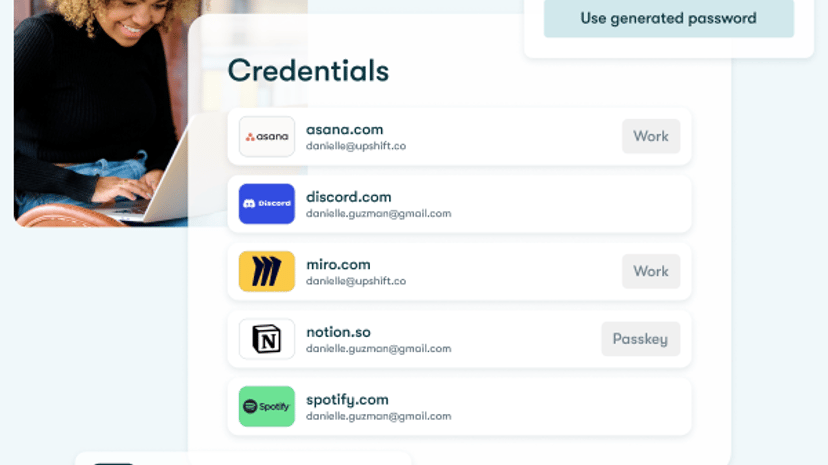
Freemium
Keeper Security
Password management and privileged access management solutions for security.Freemium
AxCrypt
Advanced file encryption software for secure data management and sharing.
Freemium
PassPack
Robust, secure password management for teams and businesses.
Paid
FSPro Labs
Advanced security solutions for digital privacy and data protection.
Freemium
NordPass
Securely stores and autofills passwords and sensitive data.Freemium
RoboForm
Seamless password management and secure form filling solution.
Freemium
PassPilot
Secure offline HTML password manager with AES encryption.
Paid
Passwarden
Easy-to-use password manager with strong security features.
Freemium
LastPass
Secure password manager with SSO and MFA solutions.
Paid
Passware
Password recovery software for over 360 file types.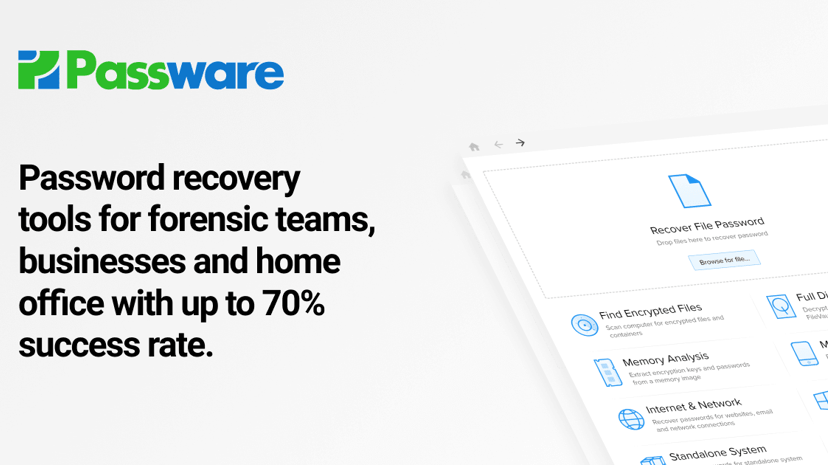
Paid
Nsasoft
Powerful network security auditing and password recovery software.Freemium
Enpass
Secure password manager storing data on personal cloud storage.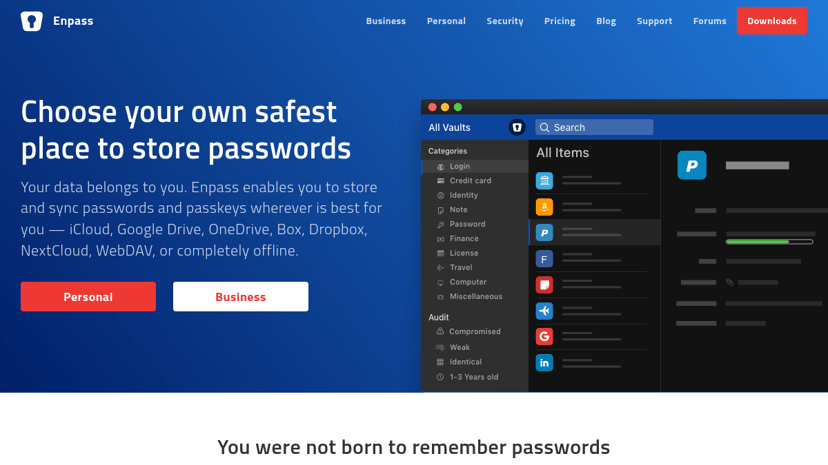
Freemium
PassFab
Password recovery and unlock solutions for various devices.
Password Management: Simplifying Digital Security
In today’s digital age, password management has become an essential part of maintaining online security. With the vast number of accounts we create—from social media and email to banking and e-commerce—keeping track of passwords can be overwhelming. Using a password management tool is a practical solution to this problem.
The Importance of Password Management
Many individuals and businesses often underestimate the significance of a strong password. Weak or reused passwords can lead to security breaches, identity theft, and loss of sensitive data. Password management tools help address these risks by enabling users to create unique, complex passwords for each account. This not only enhances security but also eliminates the hassle of remembering multiple passwords.
Moreover, with the rise in cyber threats, relying on manual password storage methods such as notes or unprotected files is no longer a viable option. Password managers offer a secure solution to store and manage passwords, allowing users to focus on their online activities without constantly worrying about security.
Common Features of Password Management Tools
When choosing a password management tool, familiarity with common features can guide a well-informed decision. Some widely available functionalities include:
-
Password Generation: Many password managers come with built-in password generators that create strong, random passwords that meet various criteria for complexity. This ensures that passwords are difficult to guess and comply with security best practices.
-
Secure Storage: Password managers securely store passwords, notes, and sensitive documents using strong encryption. This reduces the risk of unauthorized access to personal information.
-
Autofill Capabilities: With autofill features, users can automatically populate login forms, which simplifies the login experience and reduces the chance of password entry errors.
-
Synchronization Across Devices: Most password managers allow users to sync their password vaults across multiple devices, enabling access from smartphones, tablets, and computers.
-
Multi-Factor Authentication (MFA): For additional security, many tools support MFA, which adds an extra layer by requiring a second form of identification, making unauthorized access even more difficult.
Considerations When Choosing a Password Manager
While selecting a password management tool, several factors should be taken into account:
- User Experience: The interface should be intuitive and easy to navigate, as cumbersome tools can lead to user frustration.
- Compatibility: Ensure that the password manager is compatible with various operating systems and browsers to facilitate seamless integration.
- Pricing: Evaluate the pricing structure, including free and premium options. Consider what features are essential and how they align with budget constraints.
- Reputation and Reviews: Research the product’s reputation through user reviews and expert recommendations to gain insight into its effectiveness and reliability.
How We Can Help in Your Search
Finding the right password management tool can seem daunting, but there are resources available to streamline the process. We provide a comprehensive directory of the best password management products, detailing all their features, pricing options, and comparisons with competitors. This information simplifies the decision-making process, allowing users to choose the right tool that fits their needs.
By leveraging a password manager, individuals and businesses can significantly enhance their digital security and streamline their online experiences. A good password management tool not only protects sensitive information but also contributes to a more organized and stress-free online presence.