

Best Photo & Video products
Explore a diverse range of photo and video equipment designed to enhance your creative projects. We can help you find the best products tailored to your needs.
Freemium
cre8tiveAI
AI tool for fast photo and video editing tasks.
Freemium
Appollow
Discover discounts and limited-time free iOS apps.
Freemium
Pics Enhancer
AI-powered tool to enhance image quality and resolution.
Freemium
SceneryAI
AI-powered tool for quick image editing and updates.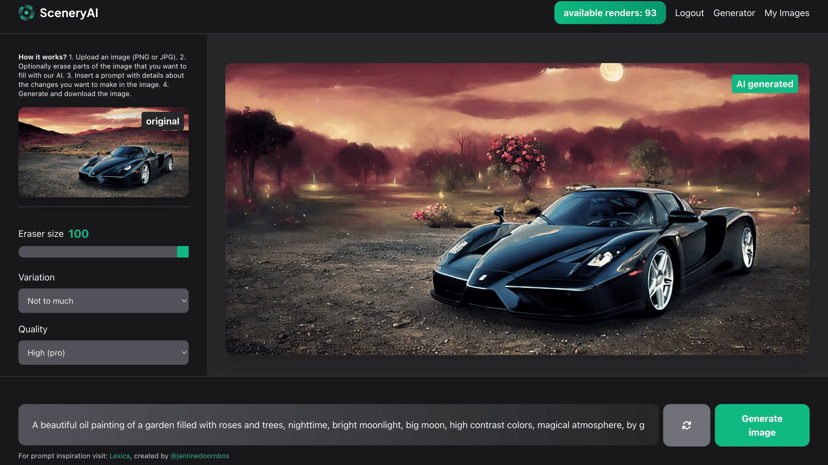
Freemium
Stillgram
A.I. photo app that removes crowds from images.
Freemium
Caricaturer.io
AI-based tool for creating personalized caricature drawings.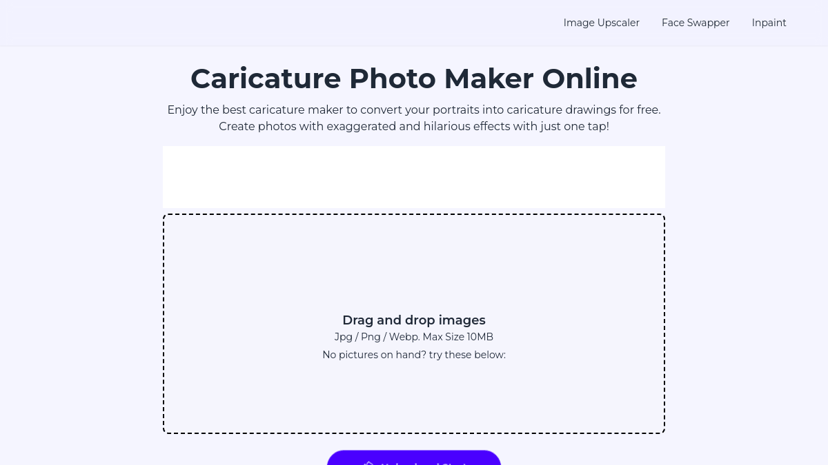
Paid
Zyng AI
Automated bulk image editing with AI for e-commerce efficiency.
Paid
Stylize
AI-powered tools to enhance, edit, and upscale photos.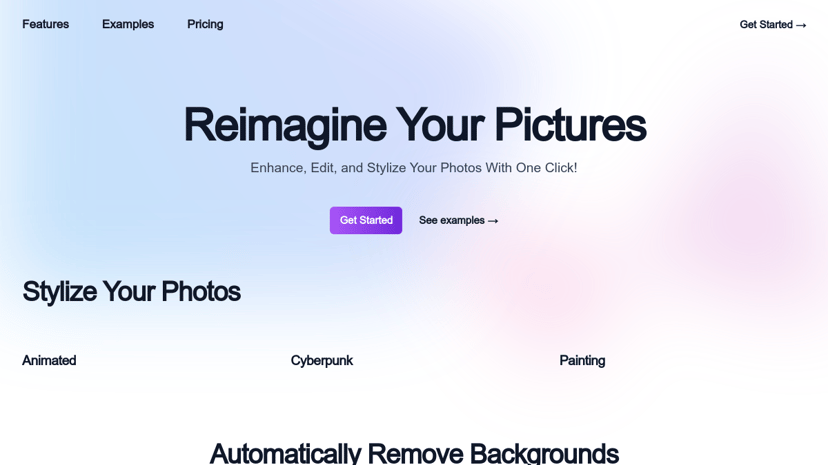
Freemium
123RF
Extensive collection of stock photos, vectors, and illustrations.
Freemium
OnepicAI
AI tool for photo enhancement, restoration, and colorization.
Product
WaveAI
AI-powered photo editor for stunning image transformations and enhancements.
Freemium
AI Headshots
AI-generated professional headshots for personal and commercial use.
Freemium
PFPMaker
AI-generated profile pictures for social media and professional use.
Freemium
PhotoDiva
AI-powered free portrait editing software for enhanced beauty.Freemium
Caption Master
AI tool for generating captivating Instagram captions.
Freemium
HyperBooth
AI image generator for realistic headshots in 30 seconds.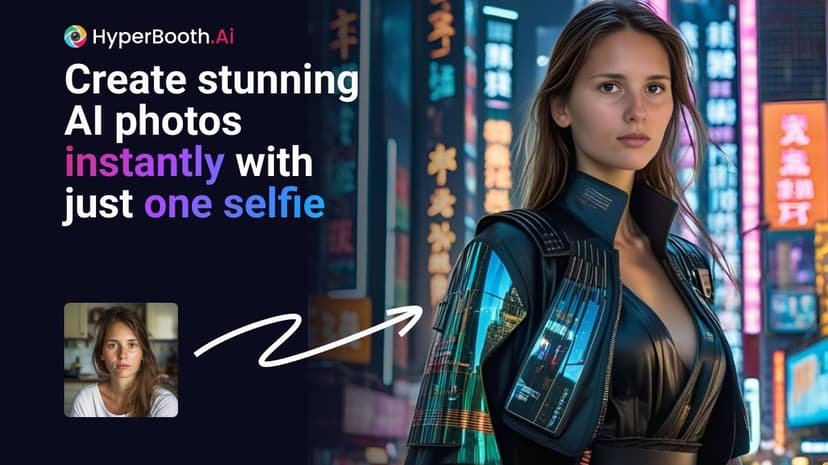
Custom Pricing
Flawless
AI tools for cinematic-quality filmmaking and VFX enhancement.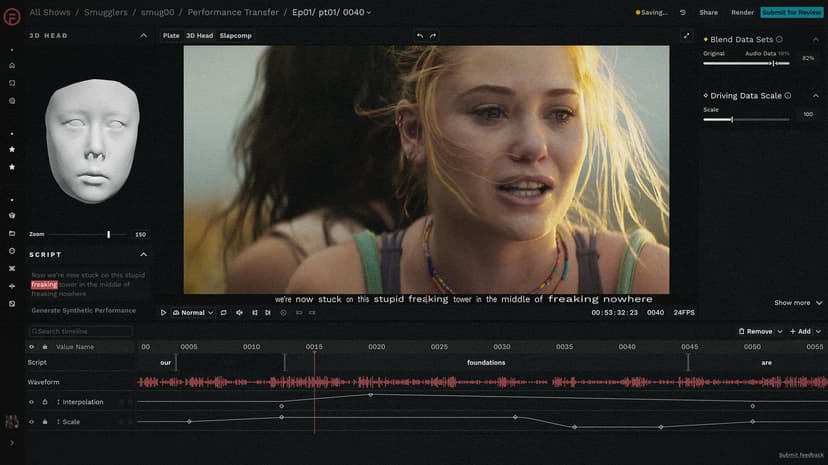
Freemium
Animate Old Photos
Animate old photos into captivating videos using AI technology.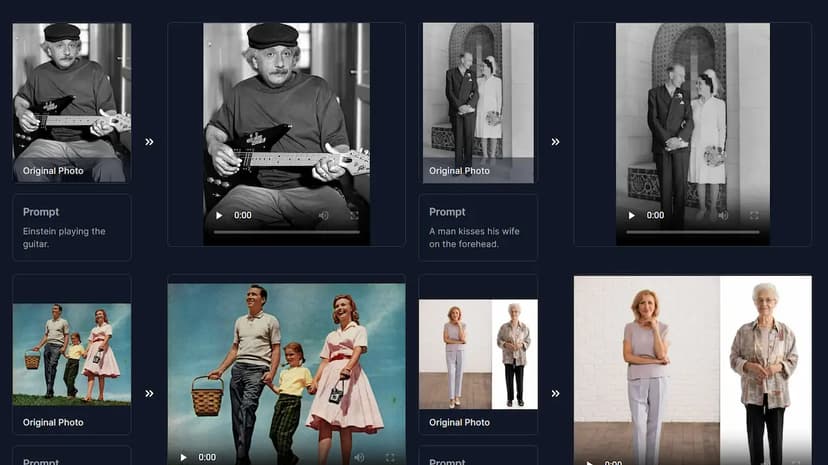
Freemium
MediaChance
Photo and graphic software for multimedia, video, and painting.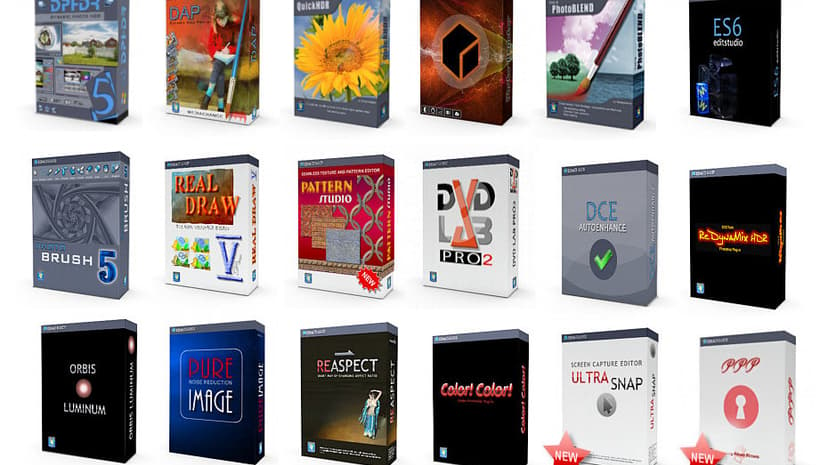
Freemium
Snaptap
AI-powered photoshoots for effortless, professional Instagram content.
Product
DaVinciFace
Generates Da Vinci-style portraits from human photos using AI.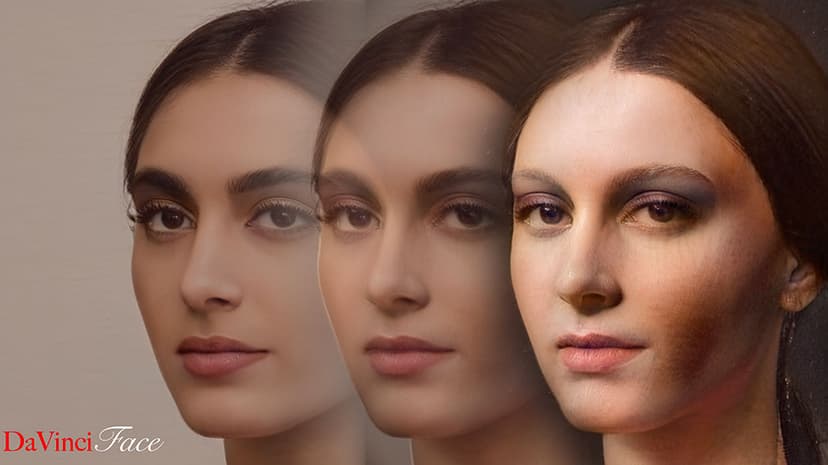
Freemium
Apowersoft
Multimedia solutions for recording, editing, and converting content.
Freemium
CrazyFace AI
Upload photos and instantly change facial expressions with AI.
Paid
Deep Nostalgia
Transforms old family photos into animated videos.
Freemium
CreatorKit
AI-generated images and videos for high-performing product ads.
Freemium
Festive Slideshow Maker
Create stunning slideshows with personalized photos and music.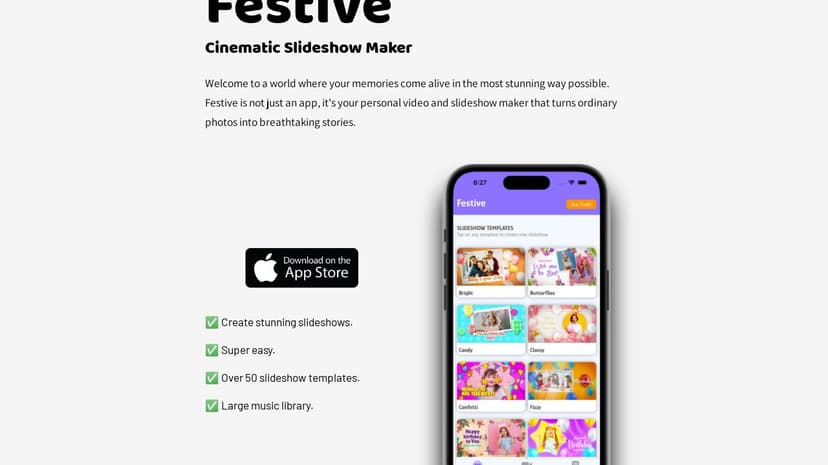
Paid
Hairstyle AI
Virtually try on different hairstyles using AI technology.
Freemium
Nostalgia Photo
AI-powered restoration for enhancing old photographs and memories.
Photo & Video: Capturing Moments and Enhancing Communication
In an age where visual content dominates our digital lives, the realms of photography and videography play a crucial role. Not only do they serve as tools to capture and cherish memories, but they also act as powerful mediums for storytelling, communication, and even business endeavors.
Why Photo & Video Matter
Photos and videos allow people to document personal milestones, artistic endeavors, and professional projects. A single image can convey a multitude of emotions and stories, making it a versatile tool for personal expression. Videos, on the other hand, offer dynamic storytelling capabilities, combining visuals, sound, and narrative flow to deliver a more immersive experience.
For businesses, photos and videos can enhance marketing strategies, improve customer engagement, and build brand identity. High-quality visual content can attract potential customers, explain products more effectively, and even boost website traffic. Whether it's a mesmerizing product shot, an engaging tutorial video, or a heartfelt testimonial, visual media can significantly impact how a brand is perceived and remembered.
Common Features in Photo & Video Tools
When selecting tools for photography and videography, various features cater to both beginners and experts. Key considerations often include:
Photo Editing Software
- Ease of Use: Intuitive interfaces that allow users to make adjustments quickly and efficiently.
- Editing Tools: Options for color correction, exposure adjustment, cropping, and retouching.
- Presets and Filters: Predefined settings for quick edits, ensuring consistent style across images.
- Advanced Features: Layers, masks, and clone tools for more detailed work.
- Format Support: Capability to handle various file types, including RAW formats.
- Export Options: Settings that adjust resolution and quality for different platforms.
Video Editing Software
- Timeline Editing: Drag-and-drop functionality to arrange clips and audio tracks easily.
- Transitions and Effects: Broad selection of transitions, visual effects, and text options to enhance storytelling.
- Audio Editing: Tools for syncing, trimming, and enhancing audio quality.
- Color Grading: Comprehensive controls for adjusting tone and mood through color correction.
- Multicam Support: Ability to work with footage from multiple cameras.
- Export and Share: Simple options to export the final video in different formats and resolutions.
What to Look Out For When Choosing a Product
When choosing software or equipment for photography and videography, considering specific needs and skill levels is essential. Key factors include:
Budget
Cost often plays a significant role in decision-making. While high-end tools come with advanced features, numerous affordable and even free options offer robust capabilities that can satisfy amateur and semi-professional requirements.
Compatibility
Ensuring that the chosen software or hardware is compatible with existing equipment and operating systems can save time and potential frustration. Checking format support and system requirements beforehand is prudent.
Learning Curve
For those new to photography or videography, selecting tools with accessible learning resources can be beneficial. Tutorials, user forums, and customer support can facilitate the learning process, making it easier to harness the full potential of the tools.
Specific Requirements
Different projects may necessitate unique features. For instance, a professional photographer might seek out advanced RAW editing capabilities, while a YouTuber might prioritize quick rendering and interactive animations. Evaluating these needs beforehand ensures that the chosen tool aligns with project goals.
User Reviews and Ratings
Reading user reviews and ratings can provide insights into real-world performance and usability. Feedback from other users can reveal hidden drawbacks or unexpected strengths, assisting in making a more informed decision.
Conclusion
Photos and videos are essential components of modern communication, whether for personal enjoyment or professional use. Understanding the core features and carefully evaluating needs can lead to choosing the right tools that meet individual or business goals. With the right equipment and software, crafting compelling visual content becomes more accessible, enhancing the ability to capture and share moments in impactful ways.