

Best Presentations products
Explore effective presentation techniques and tools to enhance communication and engagement. We can help you discover the best products to elevate your presentation skills and deliver impactful messages.
Freemium
GlimmerAI
AI-driven tool for creating stunning presentations effortlessly.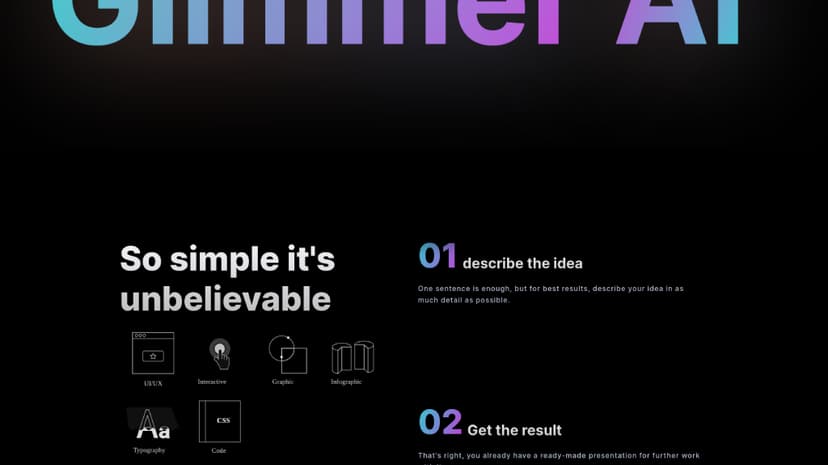
Freemium
Chatgot
All-in-one AI solution for efficient workflow and presentations.
Custom Pricing
Streamslide
Convert YouTube videos to PDF slides for educational use.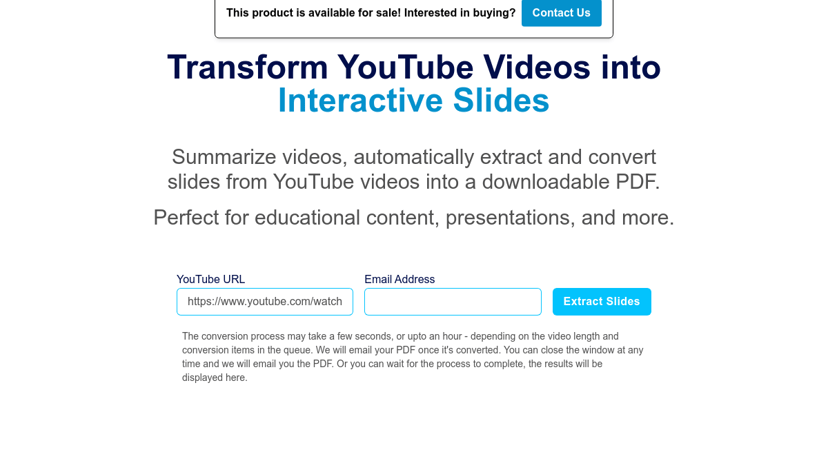
Freemium
SlidesWizard
AI tool for fast and easy PowerPoint presentation creation.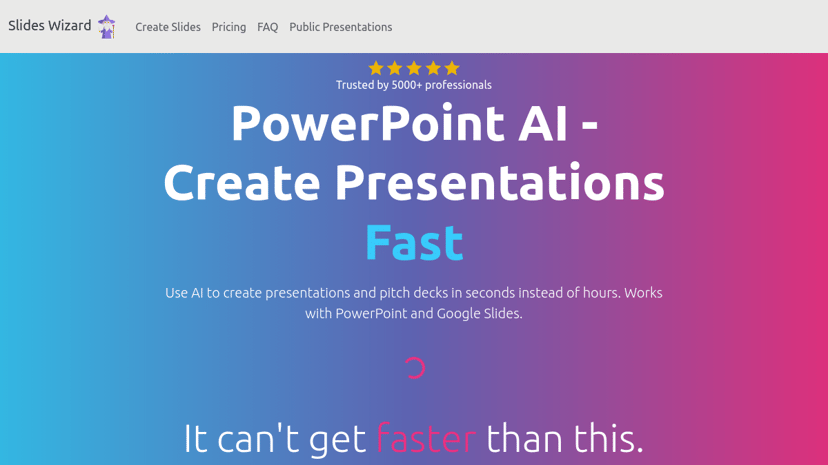
Freemium
SlideTeam
Predesigned PowerPoint templates for stunning business presentations.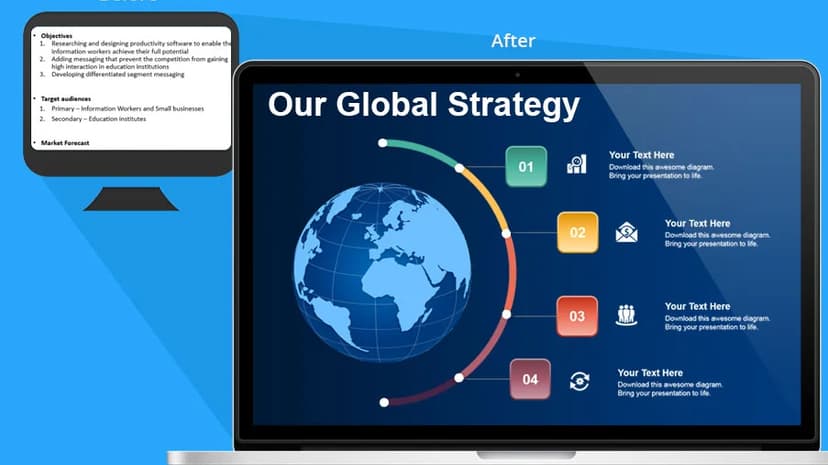
Freemium
DeckFlow
AI-powered PPT translation while preserving original formatting and security.
Freemium
Beemer
AI-powered platform for fast, professional pitch deck creation.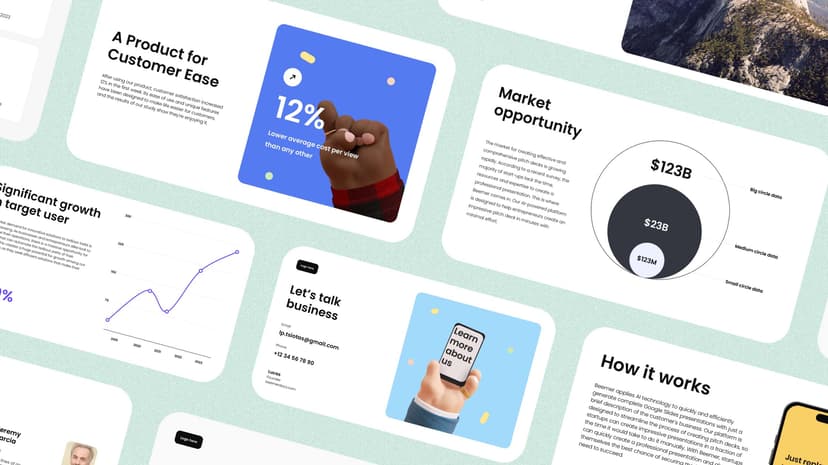
Custom Pricing
Tome
AI-powered tool enhancing sales intelligence and buyer research.
Freemium
Napkin AI
Transform text into visuals for effective communication and ideas.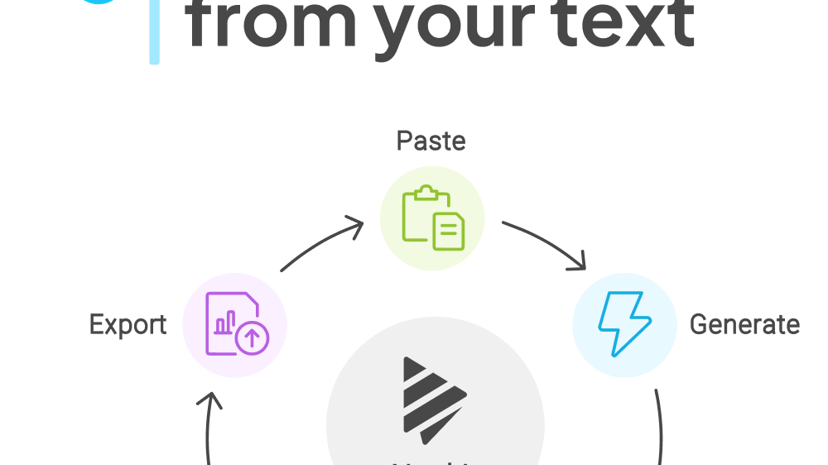
Freemium
Chatgot
All-in-one AI solution for efficient workflow and presentations.
Freemium
Prezent
AI-driven platform for efficient business communication and presentations.
Product
GenPPT
AI-powered tool for generating professional PowerPoint presentations effortlessly.
Freemium
Visme
Create professional presentations, infographics, videos, and branded content.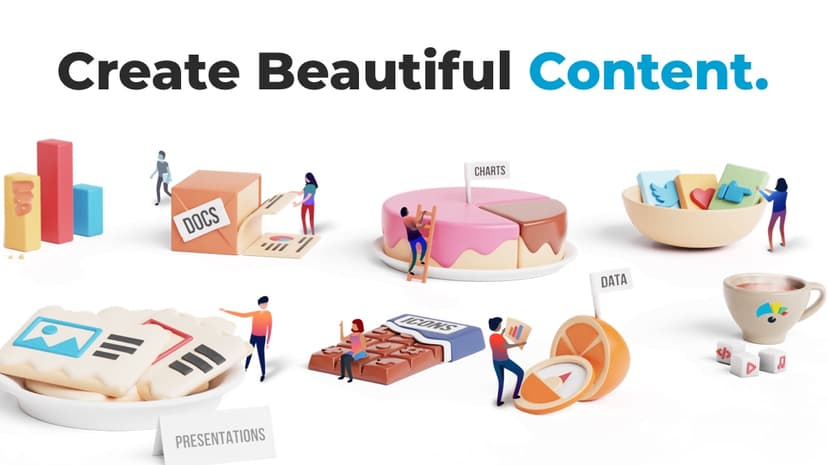
Freemium
SlidesPilot
AI tools for fast presentation creation and document conversion.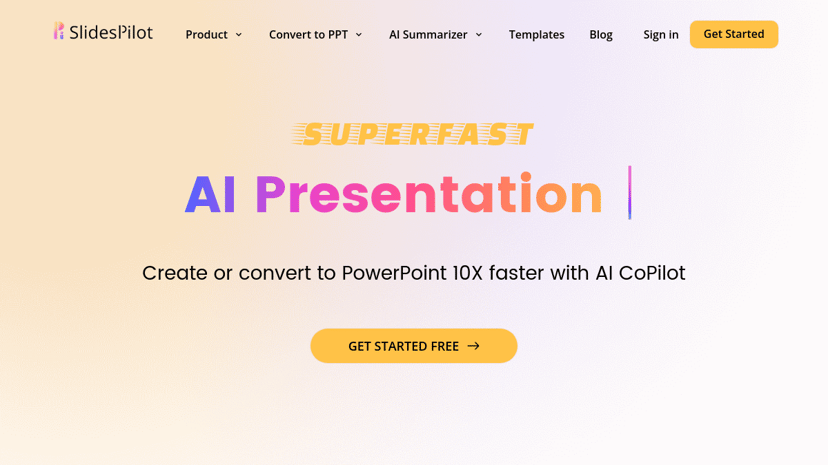
Product
SlideNotes
Transforms presentations into concise, easy-to-read notes.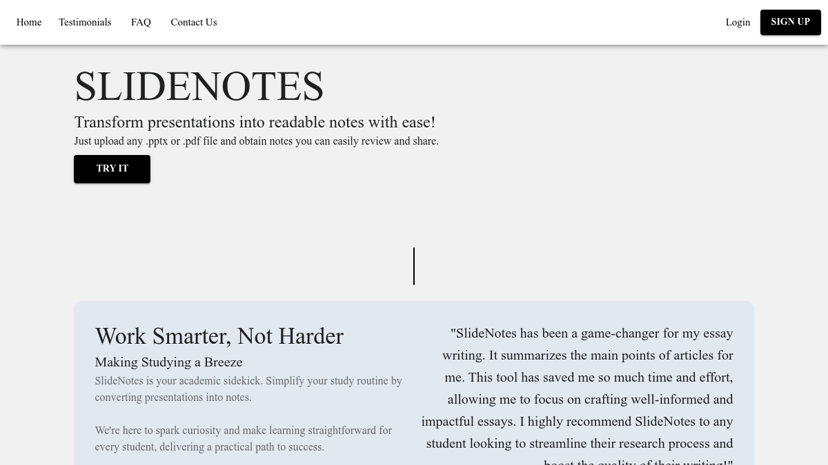
Freemium
Mentimeter
Interactive presentation software for audience engagement and feedback.
Freemium
STORYD
AI-driven tool for creating impactful business presentations instantly.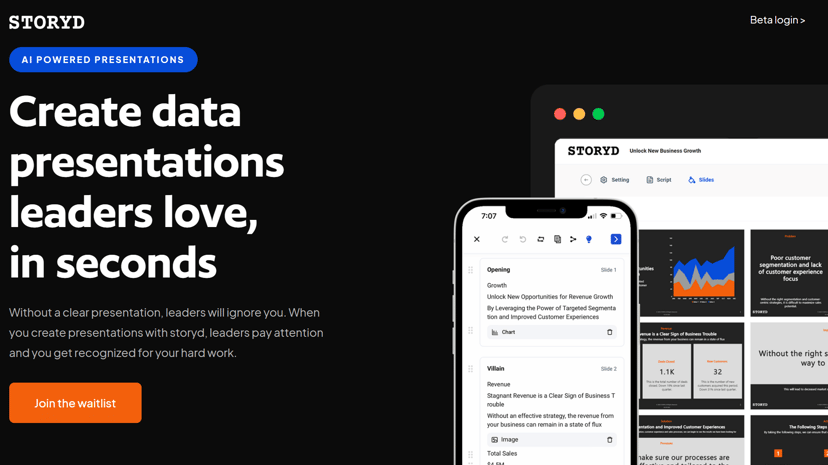
Freemium
skills.ai
AI-powered analytics for instant reports and presentations without coding.
Freemium
ChatSlide
AI tool for creating slides and videos from content.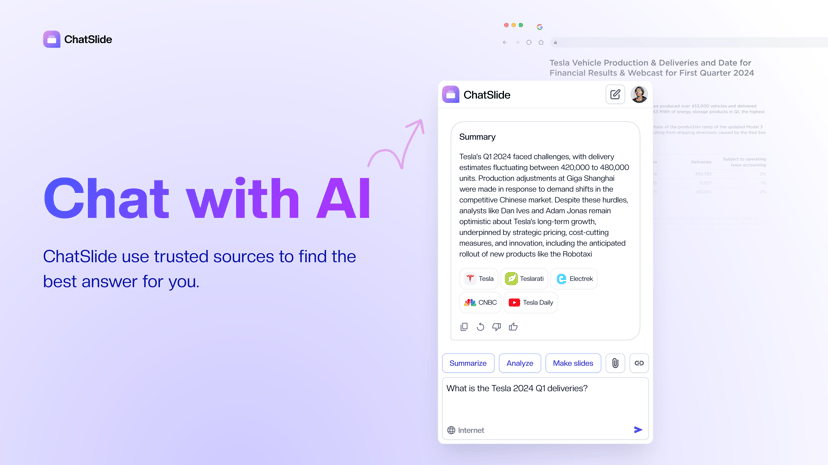
Freemium
MotionIt AI
AI platform for creating professional slides and videos.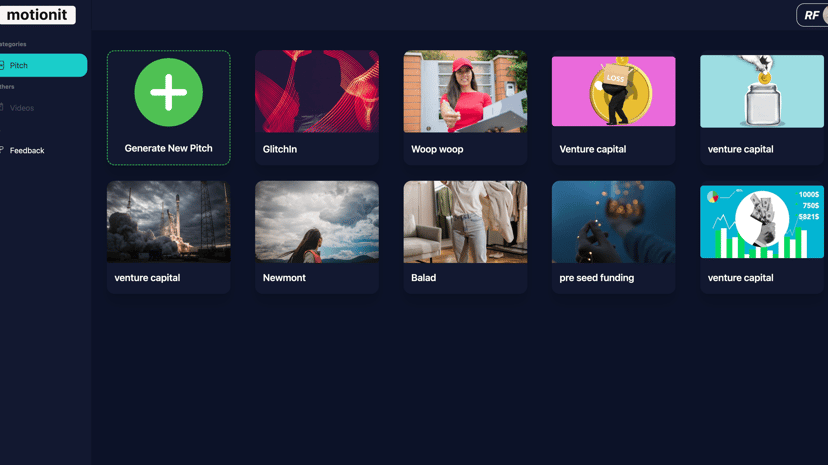
Paid
Showzone
Real-time transcription, AI summaries, audience insights for presentations.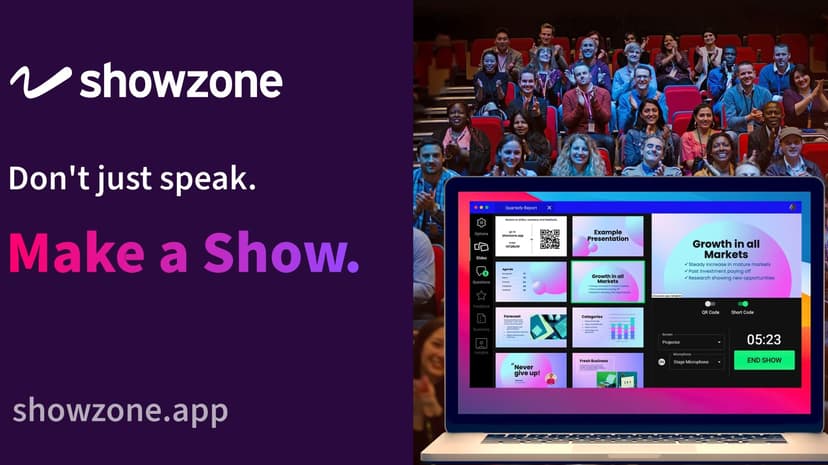
Freemium
Plus AI
AI-driven tool for creating professional presentations quickly.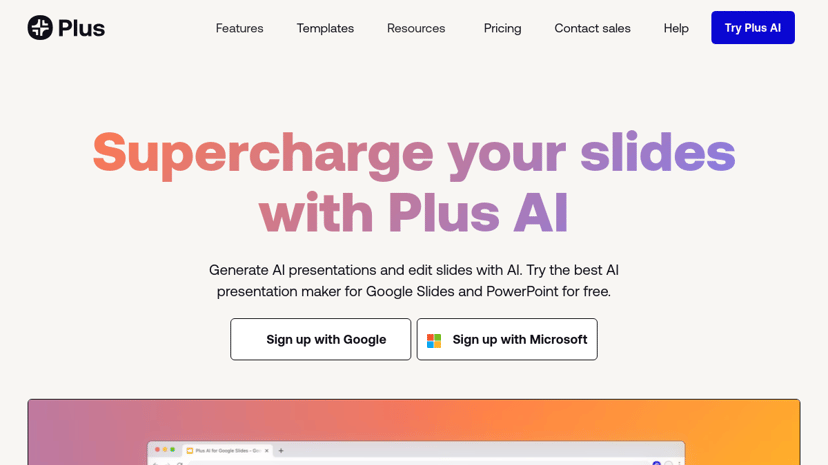
Freemium
snappify
Animate code snippets for engaging presentations and social media.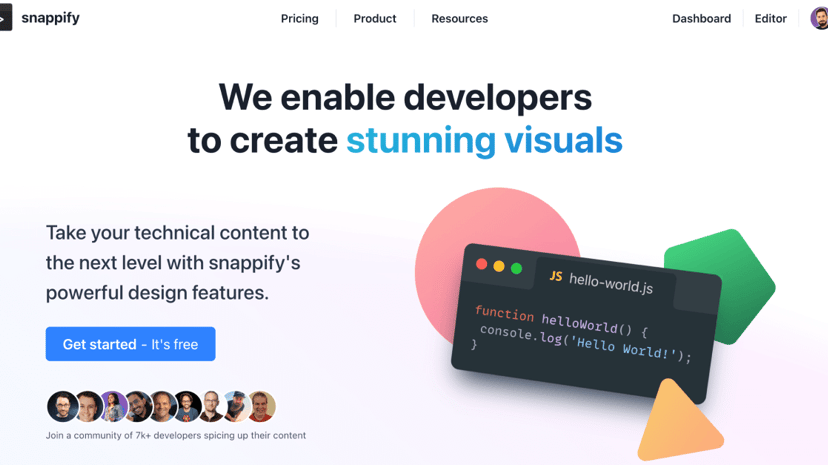
Freemium
MyMap
Create diagrams and visual content easily using AI.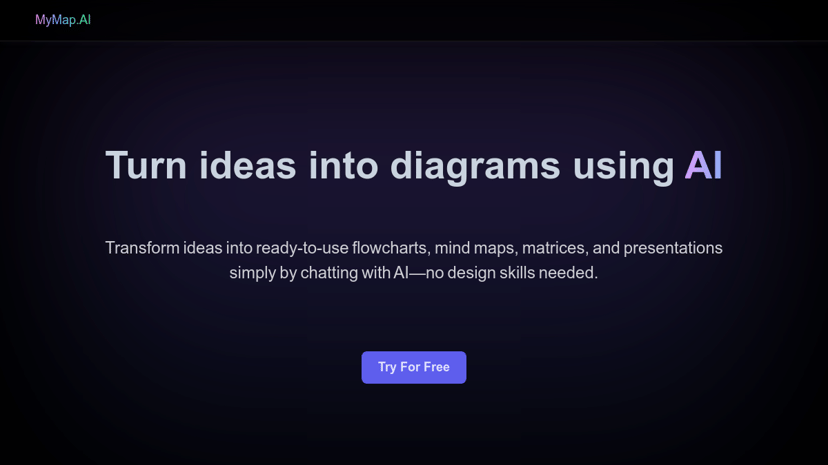
Freemium
PageOn
AI-powered tool for creating engaging multimedia presentations.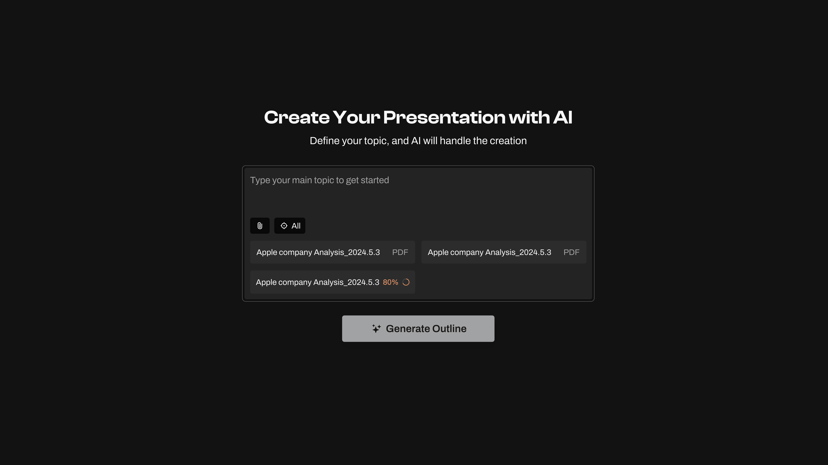
Freemium
AI Presentation Maker
AI tool for quickly generating professional presentations from text.
Freemium
DeckSpeed
AI tool for creating personalized, professional presentations efficiently.
Freemium
Bricks
AI-powered tool for creating and sharing data-driven reports.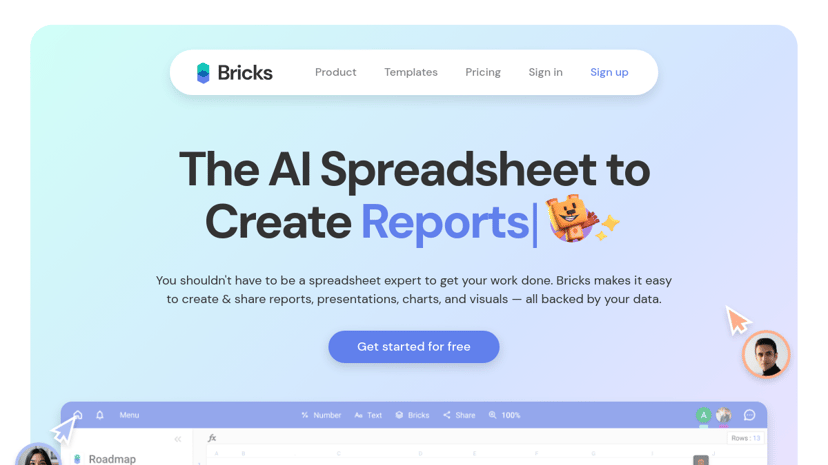
Freemium
Phia
Professional screen recording with customizable effects and seamless editing.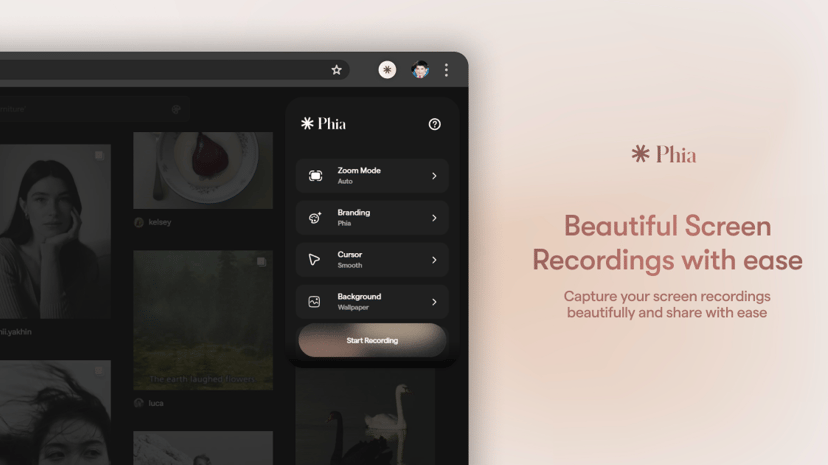
Understanding Presentations: Enhancing Communication and Clarity
Presentations are an integral part of professional and academic environments, serving as a powerful tool for communication, education, and persuasion. They allow individuals to convey information clearly and effectively, reaching both small and extensive audiences.
Why Use Presentations?
Presentations possess the unique ability to transform complex information into digestible, visual formats. This aids in better retention and understanding among audiences. The act of presenting also helps refine communication skills, boosting confidence and proficiency in public speaking. An effective presentation can engage audiences, facilitating discussions and fostering a collaborative environment.
Whether you are a student, educator, business professional, or entrepreneur, adopting presentations can elevate your message. They are crucial for teaching concepts, pitching ideas, sharing research, reporting progress, and even advocating for causes. By clearly structuring and visually supporting your points, presentations help avoid misunderstandings and promote a clear, cohesive narrative.
Common Features of Presentation Tools
When selecting a tool for creating presentations, consider the following features typically offered:
- Templates and Themes: Various pre-designed templates and themes are available, simplifying the creation process by offering a polished, professional appearance.
- Customization Options: Tools often provide ways to customize slides, including adjusting fonts, colors, and layouts to align with personal or brand aesthetics.
- Multimedia Integration: The ability to embed images, videos, audio, and animations can enhance the visual appeal and engagement of your presentation.
- Interactive Elements: Features like hyperlinks, buttons, and transitions can make presentations more interactive, holding audience attention.
- Collaboration Capabilities: Some tools allow multiple users to work on the same presentation simultaneously, ideal for team projects.
- Cloud Storage and Sharing: Integration with cloud services ensures easy access, storage, and sharing, enhancing productivity and collaboration.
Considerations When Choosing a Presentation Tool
Selecting the right presentation tool depends on your specific needs and preferences. Here are some aspects to consider:
- Ease of Use: The interface should be intuitive and user-friendly, allowing users of all skill levels to create compelling presentations without steep learning curves.
- Compatibility: Check for compatibility with other software and devices you might use, ensuring smooth integration and functionality across different platforms.
- Cost: Many tools offer both free and premium versions. It's important to weigh the features available in free versions against those in paid plans, considering your budget.
- Support and Resources: Access to tutorials, customer support, and user communities can be beneficial, especially if you encounter challenges while using the tool.
- Security and Privacy: For confidential or proprietary information, ensure the tool has robust security measures to protect your data.
Conclusion
Presentations are a versatile communication medium that can significantly impact your ability to convey ideas and information effectively. By utilizing the right presentation tools, individuals and organizations can enhance their storytelling, engage their audiences, and achieve specific goals with greater efficiency. Careful consideration of your needs and the available features will guide you towards the right choice, ensuring your presentations are impactful and memorable.