

Best Remote Access products
Remote access allows users to connect to devices or networks from distant locations. We can help you explore top products to enhance secure and efficient remote access solutions.
Product
Duet
Connect devices for remote desktop, second displays, and graphics tablets.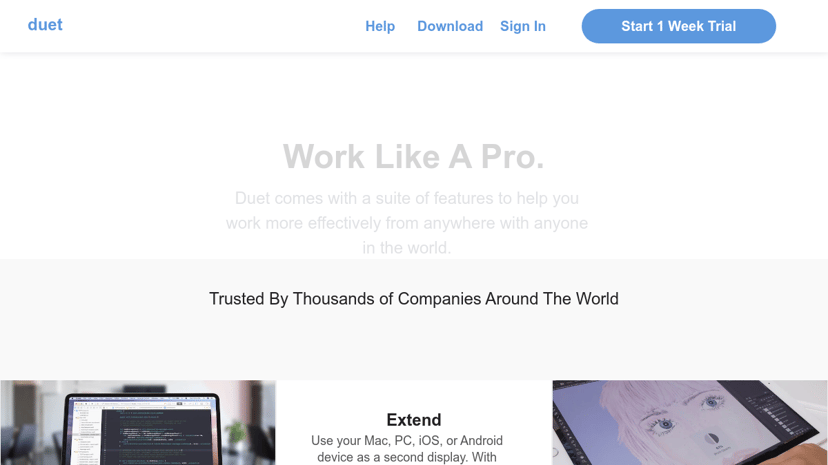
Freemium
DWService
Remote access to systems via a web browser.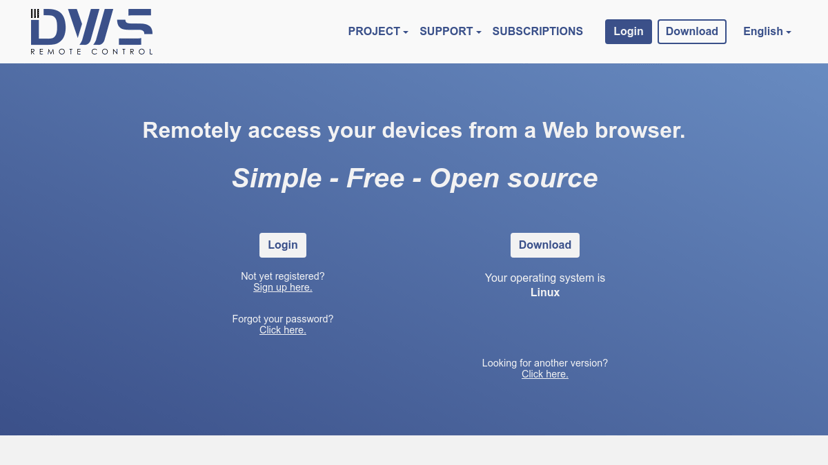
Freemium
AnyDesk
Fast, secure remote desktop software with customizable features.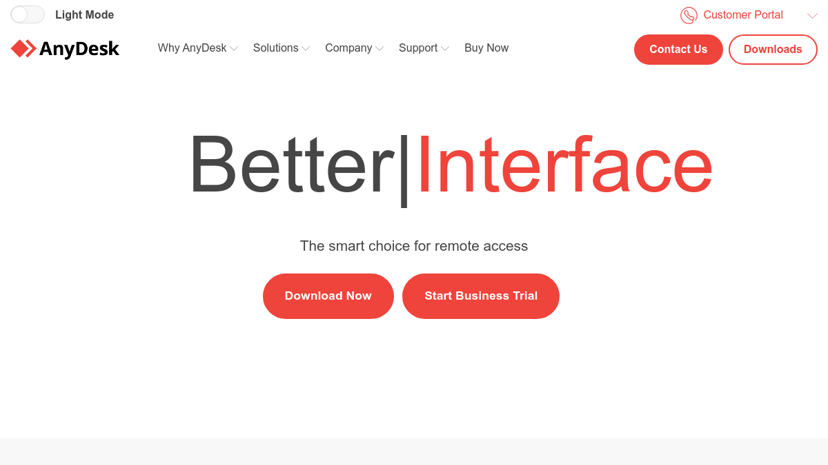
Freemium
ThinLinc
Cross-platform Linux remote desktop solution with open-source components.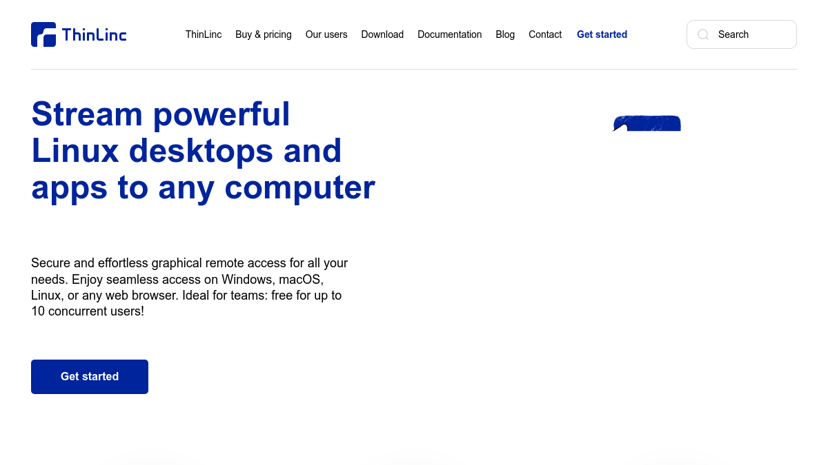
Freemium
AnyViewer
Secure, fast remote desktop software for easy computer access.
Freemium
ShowMyPC
Remote access, support, and desktop sharing without installations.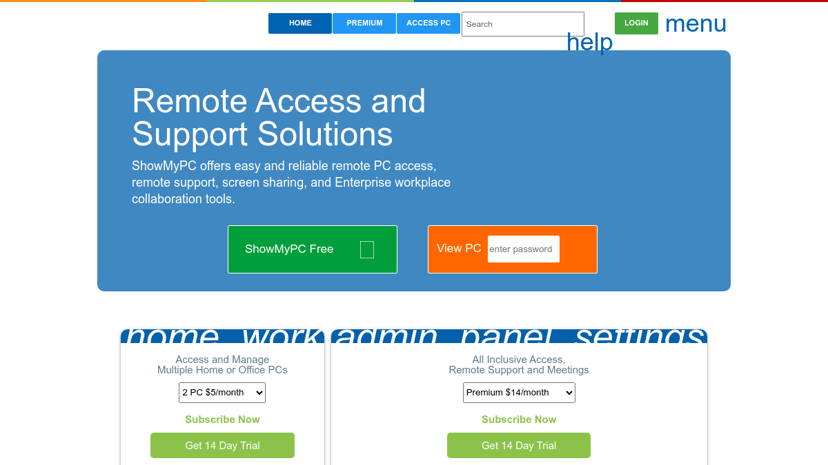
Freemium
Kollaborate
One-click online meetings with HD video and screen sharing.Freemium
HopToDesk
Free remote desktop software with end-to-end encryption and cross-platform support.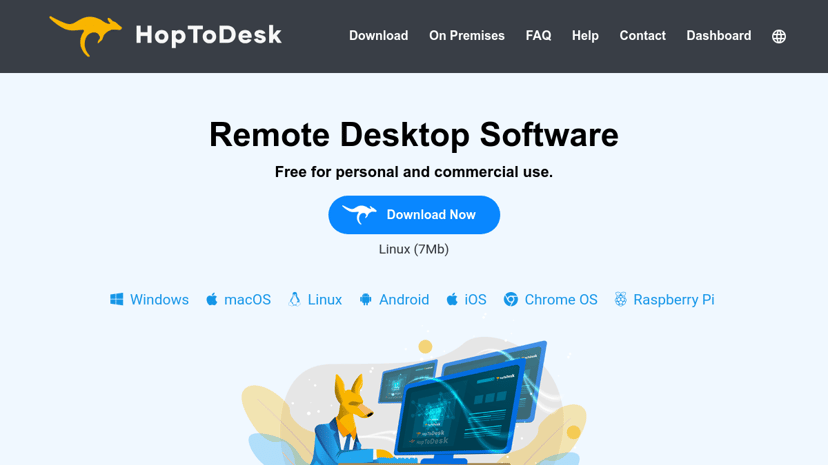
Freemium
Boom App
Enhance video calls with engaging overlays and personalized features.
Freemium
TightVNC
VNC-compatible remote desktop software with improved user interface.
Freemium
Splashtop
Secure, high-performance remote access and support software solution.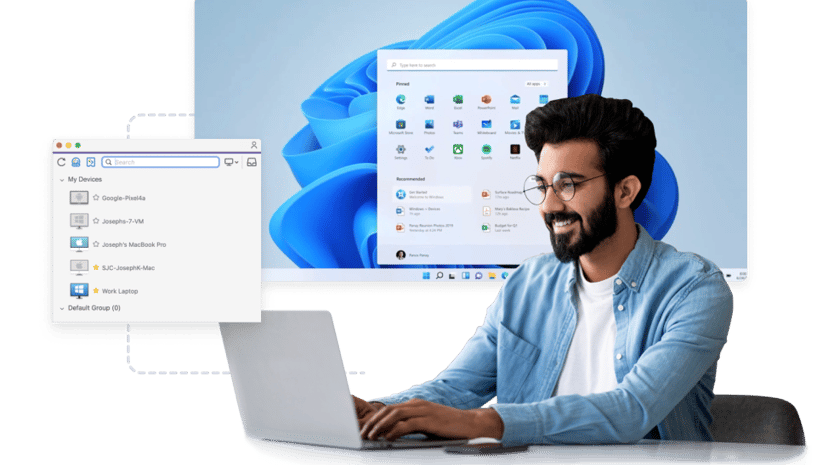
Freemium
RealVNC
Secure remote access software for desktop and mobile devices.
Freemium
Parallels
Run Windows applications seamlessly on Mac and ChromeOS.
Freemium
Shells
Cloud-based virtual desktops accessible from any device. Secure and private.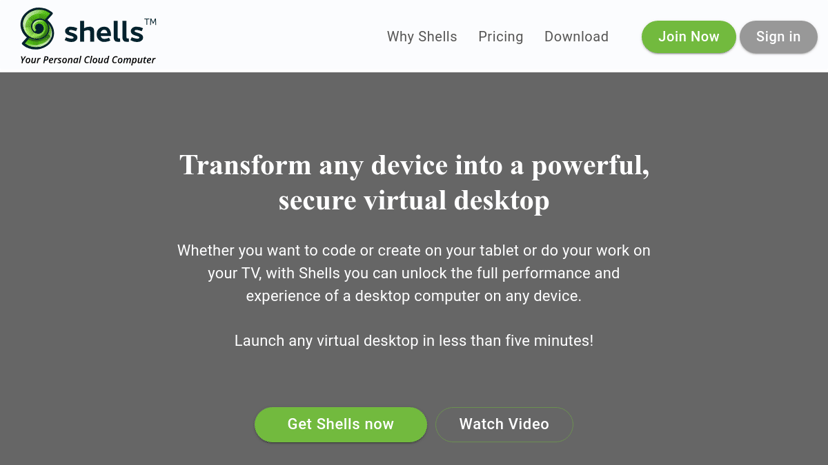
Freemium
spacedesk
Multi-monitor app for remote display and screen sharing.
Paid
Radmin
Reliable remote desktop software for secure tech support.
Freemium
VanDyke Software
Secure file transfer, terminal emulation, and SSH solutions.
Understanding Remote Access: Enhancing Productivity and Flexibility
Remote access technology has become an essential component of modern work environments. It allows individuals to connect to a computer or network from a different location, facilitating seamless work processes regardless of physical constraints. This technology is particularly valuable in a world where remote work is increasingly common, enabling employees to maintain productivity from home, coffee shops, or while traveling.
Benefits of Remote Access
One of the primary advantages of remote access is flexibility. Employees can work from virtually anywhere, which can greatly enhance work-life balance. This flexibility is especially beneficial for businesses that need to accommodate a diverse workforce or those that experience fluctuating demands. Remote access also fosters collaboration among team members who might be working in different locations, enhancing communication and teamwork.
Additionally, remote access can contribute to cost savings. Companies can reduce overhead expenses associated with maintaining large office spaces, while employees save commuting costs and time. Overall, by promoting a more dynamic work environment, remote access technology can help improve employee satisfaction and retention.
Common Features of Remote Access Solutions
Most remote access solutions come equipped with a variety of features designed to enhance user experience and security. Some of the common features include:
-
Secure Connections: Many remote access tools use encryption to ensure that data is transmitted safely, protecting sensitive information from unauthorized access.
-
Multi-Device Support: Most remote access solutions allow users to connect from multiple devices - be it desktops, laptops, tablets, or smartphones – enabling greater accessibility.
-
User-Friendly Interfaces: A focus on ease of use helps employees quickly adjust to new tools, minimizing learning curves and ensuring productivity from the get-go.
-
File Transfer Capabilities: Many solutions provide robust file transfer options, ensuring that users can access and share files effortlessly.
-
Session Recording: Some applications allow for session recording, which can be useful for training, troubleshooting, or compliance purposes.
Choosing the Right Remote Access Solution
When selecting a remote access solution, several factors are worth considering. The first consideration is security. Look for solutions that offer strong encryption and multi-factor authentication options to safeguard sensitive data.
User Experience is another critical area to evaluate. A solution that has an intuitive interface is likely to promote better adoption among employees. Additionally, check the compatibility with various devices and operating systems to ensure it fits well within your existing infrastructure.
Cost is also a significant factor. It is essential to weigh the features offered against the price and evaluate long-term value. Consider whether the solution offers flexible pricing structures that can accommodate a growing team or fluctuating work conditions.
Finally, customer support can make a notable difference, especially during initial implementations or when troubleshooting issues. A reliable support system enhances user confidence in using the technology.
Helping You Find the Best Remote Access Products
Navigating the multitude of remote access products available on the market can be daunting. To simplify your search, we provide a comprehensive directory of the best remote access solutions currently available. This directory includes detailed information on features, pricing, and comparisons with competitors and alternatives. With this resource, users can make well-informed decisions that align with their business goals and individual needs.
By understanding the benefits and common features of remote access, alongside essential factors to consider during selection, organizations can enhance their operational capabilities and foster a more productive work environment. Embracing the right remote access technology can ultimately contribute to achieving both personal and business objectives.