

Best System Optimization Tools products
System optimization tools enhance performance and efficiency by streamlining processes, managing resources, and eliminating redundancies. We assist in identifying the best products tailored to your specific needs.
Freemium
Smart PC Utilities
Optimize PC performance and enhance security with various tools.
Paid
Systweak Software
Optimization and security tools for Windows, Mac, iOS, Android.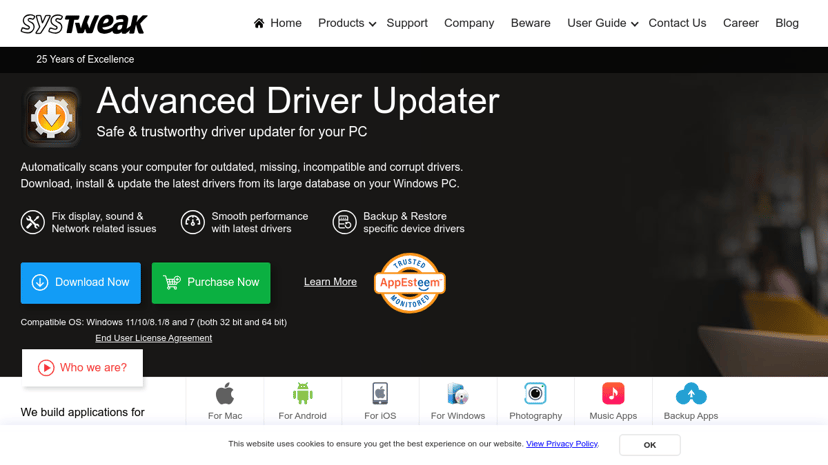
Freemium
Auslogics
Comprehensive software for PC optimization and maintenance.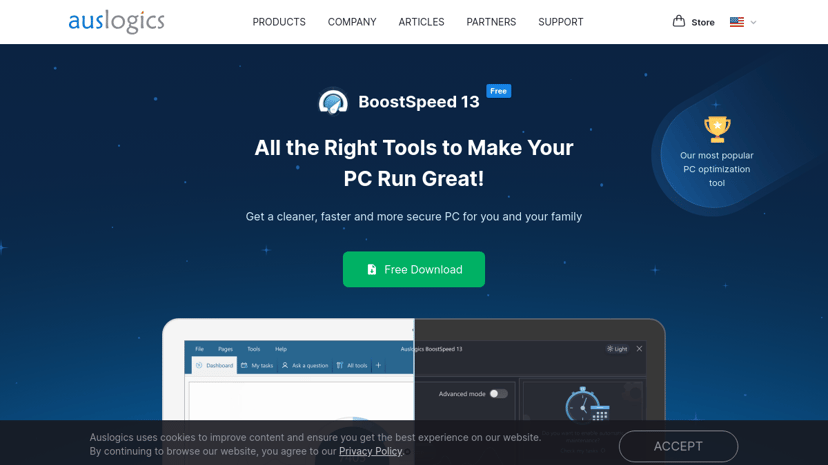
Freemium
O&O Software GmbH
System tools for Windows: backup, recovery, optimization, security solutions.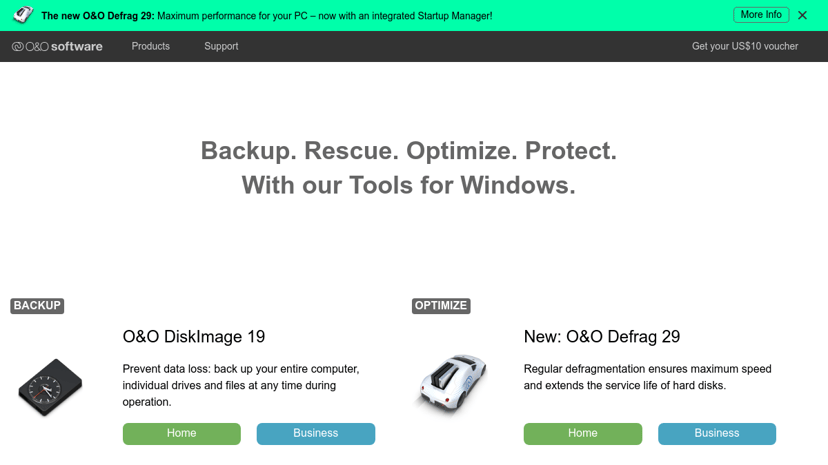
Paid
Resplendence Software
Advanced system tools for performance analysis and crash reporting.
System Optimization Tools
In today’s digital landscape, system optimization tools are essential for both personal and professional use. These tools are designed to enhance the performance of computer systems, ensuring that devices run smoothly, efficiently, and without unnecessary interruptions. System optimization can range from cleaning up junk files and optimizing memory usage to managing startup programs and improving overall system speed.
Why Use System Optimization Tools?
Many computer users experience slowdowns or performance issues at some point. Whether due to age, intensive applications, or simply a lack of maintenance, these issues can hinder productivity and lead to frustration. System optimization tools can help mitigate these problems by streamlining processes and enhancing system performance.
Utilizing these tools can lead to several benefits, including improved speed and responsiveness, better resource management, and extended hardware lifespan. Users may find that tasks that once took significant time can be performed more quickly, freeing up hours in their day. Moreover, for businesses, optimized systems can lead to increased employee productivity and operational efficiency.
Common Features of System Optimization Tools
When considering a system optimization tool, several common features may be available. These could include:
-
Disk Cleanup: The ability to remove temporary files, caches, and other unnecessary data that accumulate over time.
-
Memory Optimization: Tools that efficiently manage RAM usage, resulting in faster application loading times and smoother multitasking.
-
Startup Management: The option to control which programs run during startup, reducing boot time and system overload.
-
Registry Cleaning: For Windows users, cleaning up the registry can resolve errors and improve system stability.
-
Performance Monitoring: Some tools provide real-time metrics that help users understand system performance and identify bottlenecks.
-
Scheduled Tasks: The ability to automate maintenance tasks, ensuring that optimization occurs regularly without manual intervention.
What to Look For When Choosing a System Optimization Tool
Choosing the right system optimization tool can be a daunting task given the variety of products available. Here are some factors to take into consideration:
-
User-Friendliness: A tool with an intuitive interface can make the optimization process easier, especially for those less technologically inclined.
-
Compatibility: It's essential to check whether the software is compatible with the operating system in use. Some tools may be tailored for Windows, while others may work better on Mac or Linux systems.
-
Reputation and Reviews: Looking into user reviews and professional recommendations can provide insights into the tool's effectiveness and reliability.
-
Customer Support: Opt for products that offer strong customer support in case issues arise during installation or usage.
-
Price Structure: Some tools operate on a subscription model, while others may offer a one-time purchase. Understanding the cost and benefits of each option is critical.
Finding the Best Products
Navigating the world of system optimization tools can be overwhelming. To assist in this endeavor, a comprehensive directory of the best products is available. This directory not only lists the top-performing tools but also provides in-depth features, pricing information, comparisons with competitors, and alternative options.
With such a resource at your disposal, users can make informed decisions based on their specific needs and budgets, ensuring they select a product that aligns with their goals for improving system performance.