

Best System Utilities products
System utilities are software tools designed to manage, maintain, and control computer resources. We can assist in identifying the best products to optimize your system's performance and efficiency.
Freemium
Pazera Software
Free software for audio and video conversion and utilities.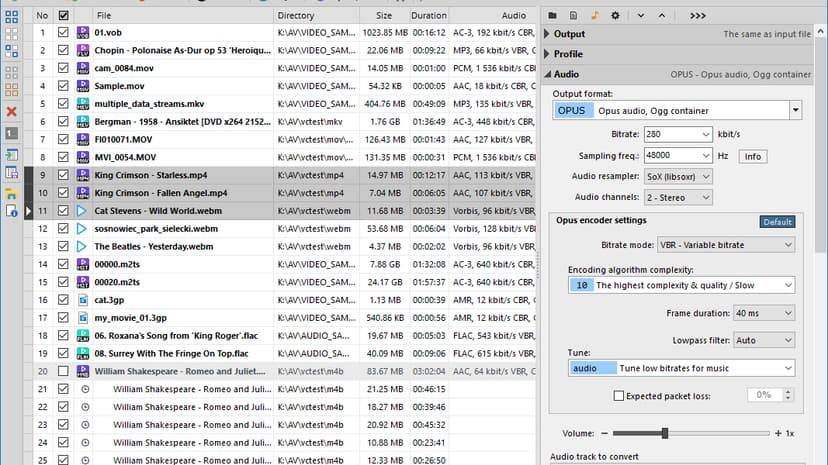
Paid
Chemtable
Maintenance and optimization tools for Windows systems and applications.
Free
Hiren's BootCD PE
A bootable Windows PE environment with essential recovery tools.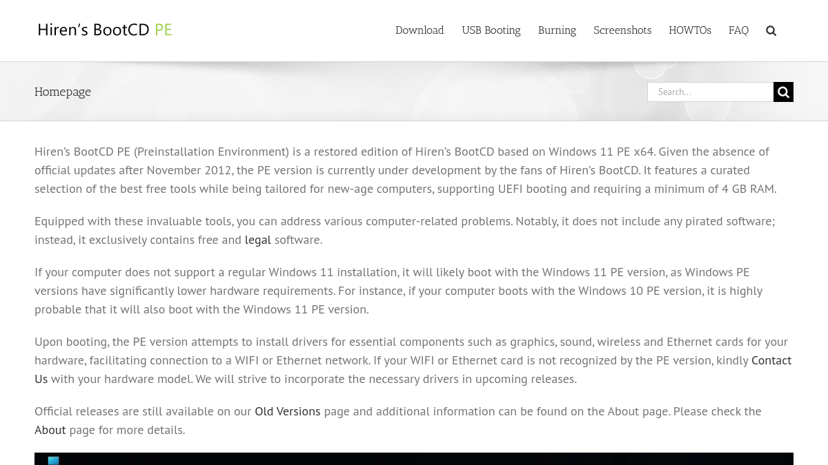
Paid
MacPaw
Powerful apps for Mac cleaning and cybersecurity solutions.
Freemium
SYSGeeker
System booting solutions for Windows, Mac, and Linux.
Product
AIDA64
Comprehensive system information tool for performance, hardware, and diagnostics.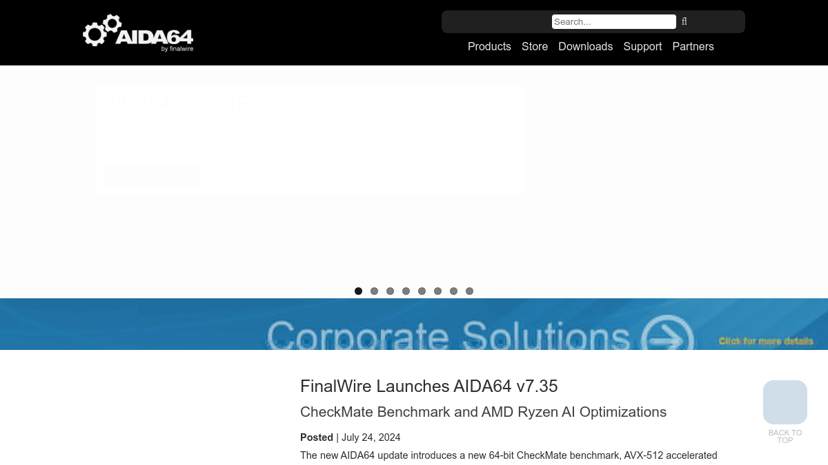
Freemium
HiBitSoftware
System utilities for uninstallation, startup management, and performance monitoring.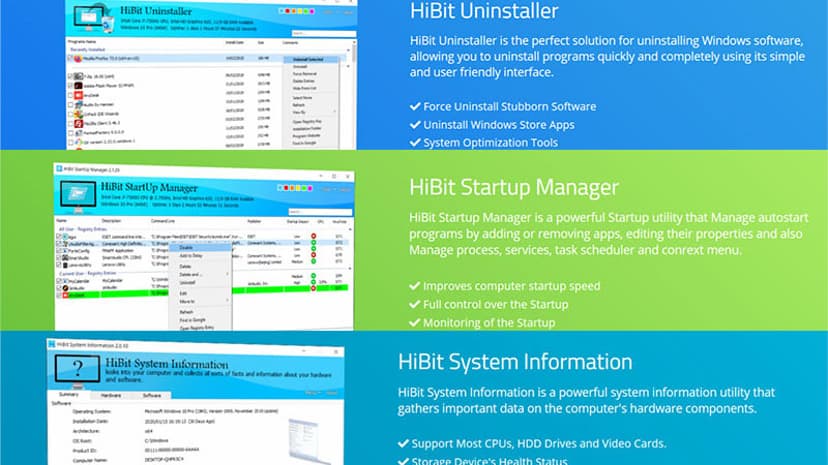
Understanding System Utilities: Enhancing Productivity and Performance
System utilities are essential tools designed to help manage, control, and optimize computer systems effectively. These software applications serve various functions, including managing system resources, enhancing performance, and ensuring data integrity. By utilizing system utilities, individuals and businesses can streamline their operations, improve system performance, and maintain seamless functionality.
Why Use System Utilities?
There are several compelling reasons to consider incorporating system utilities into your workflow. First, these tools can enhance performance by freeing up system resources. Over time, computers can become bogged down by unnecessary files and processes; system utilities help identify and eliminate these inefficiencies.
Second, system utilities aid in maintaining system health. Regular maintenance can prevent issues like slowdowns, crashes, or security breaches. Tools that manage disk space, monitor performance, and ensure software is up to date are crucial in keeping systems running smoothly.
Lastly, the importance of data security cannot be overstated. System utilities often feature backup and recovery solutions, safeguarding critical information from loss or corruption. For businesses that rely heavily on accurate and secure data, these features are invaluable.
Common Features of System Utilities
When exploring system utilities, it’s helpful to be aware of common features that enhance user experience and efficiency. Here are some of the key functionalities to look for:
-
Disk Cleanup: This feature helps remove temporary files, system caches, and other unnecessary data that consume disk space, improving overall system speed.
-
Performance Monitoring: Real-time system monitoring can provide insights into CPU usage, memory consumption, and application performance. This information can help identify bottlenecks and optimize resource allocation.
-
Backup Solutions: Automated backup options are vital for securing important data. Look for utilities that allow scheduled backups, versioning, and easy restoration processes.
-
System Optimization: Many utilities offer tools to tweak system settings for improved performance, managing startup processes, and disabling unnecessary services.
-
Security Features: Antivirus and malware protection, along with system integrity checks, can be found in many utility suites, helping to protect against potential threats.
Choosing the Right Product
When selecting a system utility, it is important to consider a few factors to ensure the right fit for your needs. First, compatibility with your operating system and hardware specifications should be confirmed to avoid functionality issues.
Next, evaluate the interface and ease of use. A user-friendly design can make a big difference, especially for those who may not have extensive technical knowledge.
Pricing is another aspect to take into account. Many utilities offer free versions with limited features, while premium versions provide advanced functionalities. Comparing costs against features can help in determining the best value.
Additionally, customer support and community resources can be significant. A responsive support team or an active user community can help troubleshoot any issues and provide insights on maximizing the utility's effectiveness.
Conclusion
System utilities are valuable assets for anyone looking to enhance their computer’s performance and management. By automating tasks, maintaining system health, and improving overall efficiency, these tools can promote a productive environment for both individuals and businesses.
For those looking to find the best products in this category, a detailed directory can provide insights into various options available in the market. This resource typically includes comprehensive information on features, pricing, competitors, and alternatives, simplifying the decision-making process when selecting a system utility that best meets specific needs.