

Best Video Software products
Explore a range of video software options designed for editing, production, and streaming. We can assist you in comparing features and finding the best products to meet your needs.
Freemium
AirServer
Universal screen mirroring receiver supporting AirPlay, Google Cast, Miracast.
Paid
VDMX6
Customizable audio-visual software with real-time video processing features.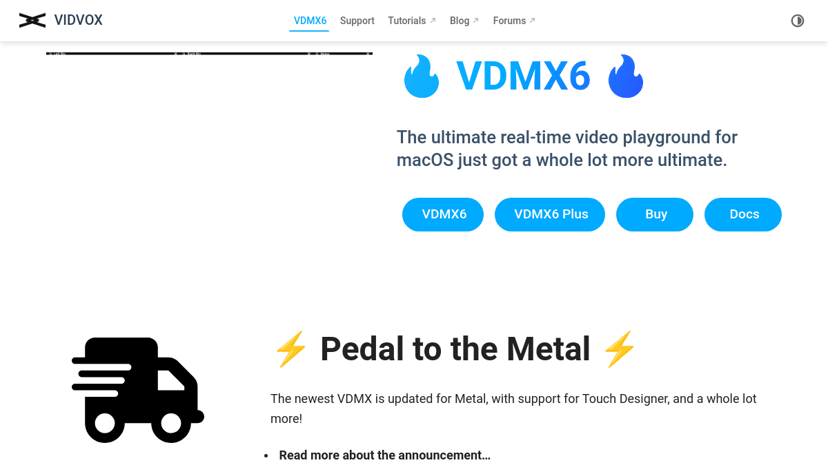
Freemium
FaçadeSignage
User-friendly software for easy projection mapping on any surface.
Custom Pricing
Myelin Foundry
Edge AI solutions for real-time insights and analytics.
Product
wikiHow
Comprehensive how-to instructions for various topics and skills.
Freemium
ViWizard
Multimedia converter for music, audiobooks, and videos.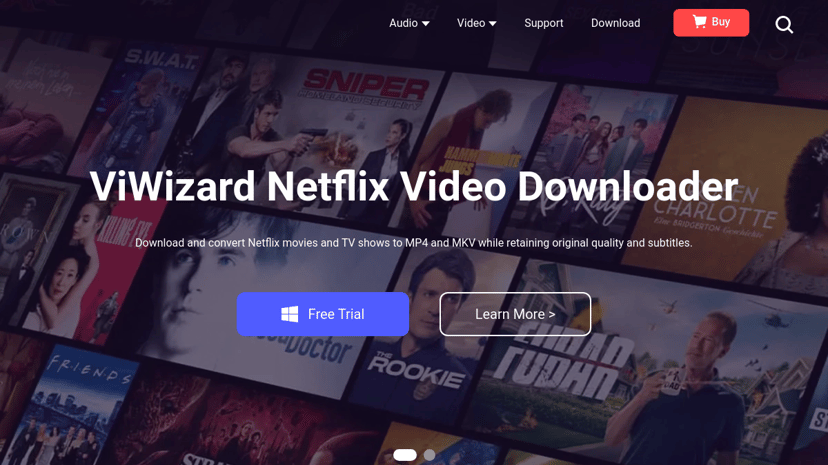
Freemium
VSDC Free Video Editor
Multifunctional video editing, conversion, and recording software suite.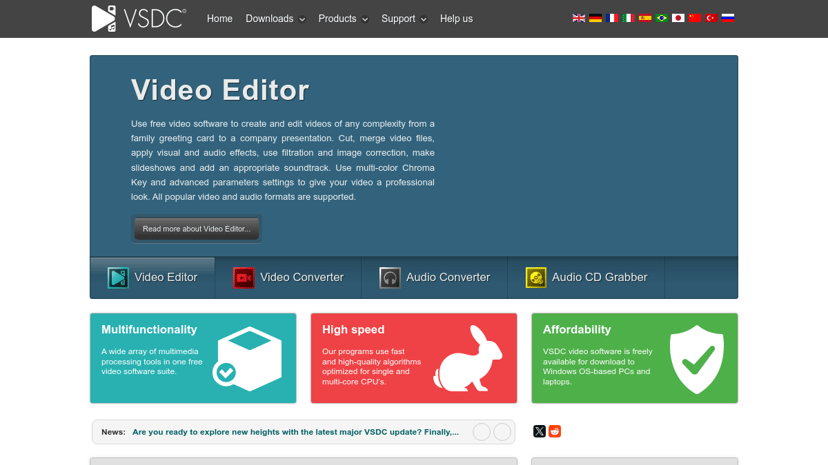
Product
AudFree
Music converter for Spotify, Tidal, Apple Music, and more.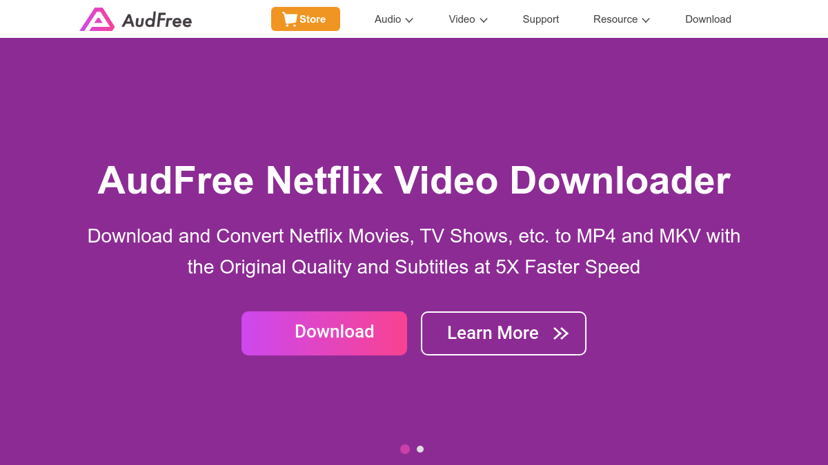
Freemium
Trigger
Advanced audio and video playback software for live performances.
Freemium
NCH Software
Software for audio, video editing, transcription, and document conversion.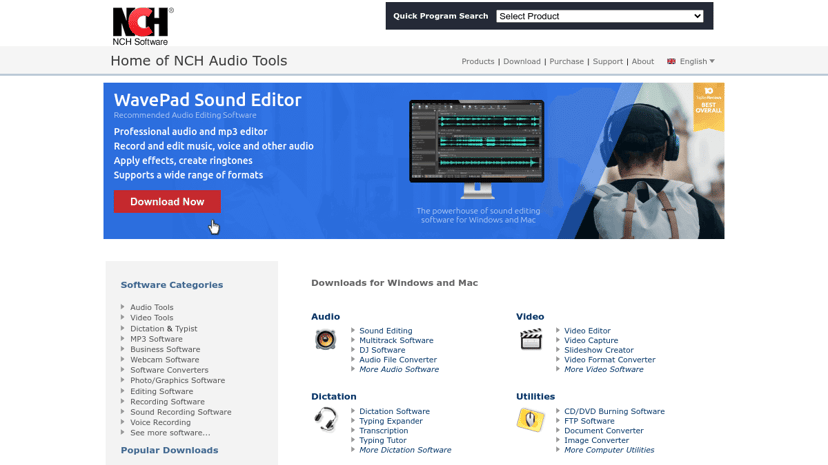
Free
Yawcam
Yawcam streams video, captures images, and offers motion detection.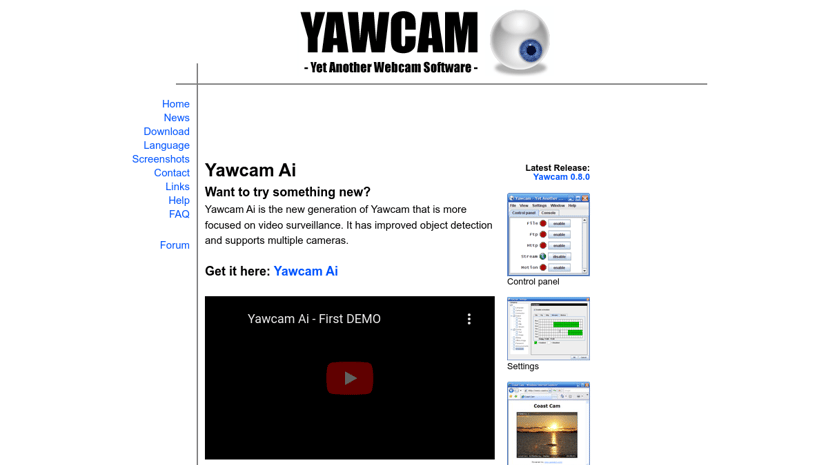
Understanding Video Software: A Comprehensive Insight
In an increasingly digital world, video software has become an essential tool for both personal and professional use. Whether for creating engaging content, conducting webinars, or editing home videos, video software enables users to produce high-quality visual experiences that can convey messages more effectively than text or images alone. This growing demand highlights why familiarity with video software is important today.
Benefits of Using Video Software
One of the primary reasons people gravitate towards video software is its capacity for storytelling. Videos can effectively capture attention and keep viewers engaged, which is particularly beneficial for businesses looking to promote their products. In the realm of education, video content can enhance understanding and retention, making it easier for learners to grasp complex subjects. Furthermore, sharing video content across social media platforms can significantly increase reach and engagement, allowing individuals and organizations to connect with a wider audience.
Video software also streamlines collaboration. With features such as screen recording and real-time editing, teams can work together more fluidly, regardless of their physical locations. This capability fosters creativity and enhances productivity, which is invaluable in today's fast-paced work environments.
Common Features to Consider
When browsing video software, several key features often stand out, catering to a variety of needs:
-
Editing Tools: Many software options include intuitive editing capabilities that allow for the trimming, cutting, and enhancing of video content. Look for tools that provide both basic functionalities, like transitions and effects, as well as advanced editing capabilities, such as color correction and audio mixing.
-
Screen Recording: This is a vital feature, especially for businesses that conduct online tutorials or demonstrations. The ability to capture on-screen activity in real-time can facilitate training and presentations.
-
Collaboration Features: Tools that support multiple users can be particularly beneficial for teams. Features like shared projects and comments can enhance teamwork, especially when working on large-scale projects.
-
Format Support: A wide range of supported file formats ensures that users can import and export videos seamlessly without losing quality.
-
Templates and Resources: For those without extensive video production experience, pre-designed templates can make it easier to create polished videos quickly.
What to Look for When Choosing Video Software
When selecting video software, consider the user interface and ease of use. A user-friendly platform can significantly reduce the learning curve, allowing both novices and experienced individuals to create quality content efficiently. Additionally, evaluate the software's customer support options, as access to guidance can be beneficial when challenges arise.
Budget is another important factor. Free versions of video software often come with limitations, while premium options may offer more comprehensive features. Make sure to consider your specific needs and whether the price aligns with the offered functionalities.
It’s also advantageous to explore reviews and comparisons between different video software products. This can provide insight into user experiences, offering a clearer picture of what each program can deliver.
How We Can Assist You
Navigating the world of video software can be overwhelming given the plethora of options available. Our directory can ease this burden by providing a carefully curated list of the best video software products. We offer detailed analyses of each product, featuring all functionalities and pricing options, alongside information on competitors and alternatives. This way, users can make informed decisions that align with their specific needs and preferences in video production and editing.
By understanding the features and benefits of video software, individuals and businesses can select the right tools to enhance their visual storytelling and achieve their goals more effectively.