

Zim
Zim is a graphical desktop wiki that allows users to create and organize notes, tasks, and journals using simple formatting and links, with support for various markup styles.
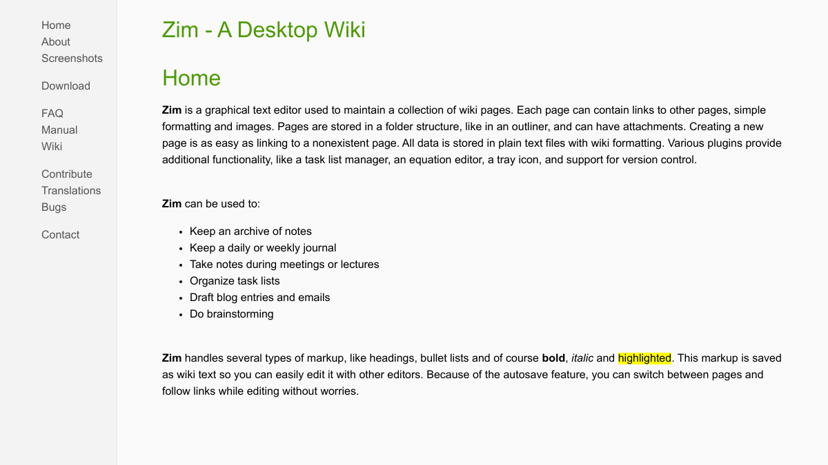
Zim: A Desktop Wiki
Zim is an innovative graphical text editor designed to function like a personal wiki. It allows users to create and organize notes seamlessly, making it an ideal solution for anyone looking to enhance their productivity and information management.
Key Features
One of Zim's standout features is its ability to create a network of linked pages, which encourages users to explore and connect ideas effortlessly. The application supports various types of markup, including headings, bullet lists, and basic formatting like bold and italic. Users can easily attach images and files to their notes, enriching content and context.
Zim also includes functionalities such as task management and an equation editor, making it a versatile tool for both personal and professional use. Its folder structure for page organization allows users to maintain a tidy archive of notes, and the application supports plugins that extend its capabilities, ensuring that it can evolve with users' needs.
Target Audience
Zim appeals to a broad audience, including students, professionals, and anyone who values effective note-taking and organization. It’s particularly beneficial for individuals who attend lectures or meetings and require a reliable method for capturing and structuring information. Writers and researchers can also take advantage of its wiki-like capabilities to brainstorm ideas and draft documents with ease.
Unique Aspects
What sets Zim apart is its simplicity and the fact that all data is stored in plain text files. This choice grants users the flexibility to edit their notes with other text editors if needed. Additionally, the autosave feature allows for continuous work without the fear of losing data, encouraging a more fluid note-taking experience.
Zim stands out in the productivity landscape by offering the power of a wiki in a desktop format. Its intuitive interface and range of features foster an organized approach to information management, helping users improve their productivity and keep track of their goals.