

Universal Document Converter
Universal Document Converter converts documents to PDF, JPG, TIFF, and more from any print-enabled software, offering features like password protection, watermarks, and multi-format output for enhanced document security.
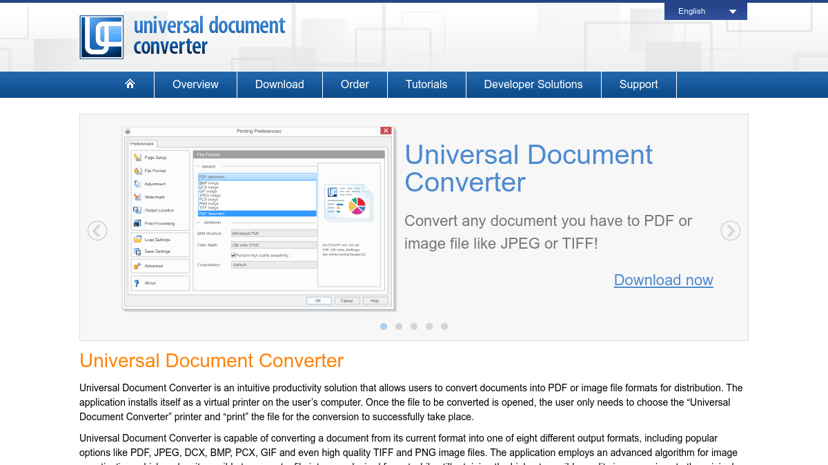
Universal Document Converter: Simplifying Document Management
Universal Document Converter (UDC) is a versatile software solution that streamlines the process of converting documents into various formats such as PDF, JPG, TIFF, and more. With over two million downloads, it has established itself as a reliable tool for individuals and businesses alike.
Key Features
UDC offers several features designed to enhance document processing:
- Multiple Output Formats: Users can convert documents from formats like Word, Excel, PowerPoint, RTF, TXT, and more into eight different output formats including PDF, JPEG, and BMP.
- Ease of Use: Operating as a virtual printer, users simply select UDC from the print menu of any compatible application, making it easy to convert documents without complicated processes.
- Document Protection: The software includes features such as password protection, watermarks, and copy-paste restrictions to safeguard sensitive information.
- Integration Capabilities: UDC seamlessly integrates with workflow systems, making it an ideal choice for organizations looking to enhance efficiency.
Target Audience
The product caters to a wide range of users, including individual professionals, small businesses, and large enterprises. It is particularly beneficial for those handling sensitive documents, such as legal and financial firms, where document integrity and security are paramount.
Benefits of Using UDC
Adopting UDC helps users improve their document workflows. The intuitive interface allows even non-technical users to convert and protect their documents effectively. The ability to combine multiple documents into a single multipage PDF or TIFF file adds further convenience, streamlining processes and reducing clutter.
What sets UDC apart is its focus on quality and performance. The software employs advanced algorithms for image quantization, ensuring high-quality conversions that maintain the integrity of the original document.
By utilizing UDC, users can save time, reduce the risk of unauthorized access to their documents, and streamline their workflows, ultimately driving productivity and operational efficiency.