

PrintFriendly
Convert documents and images to PDFs, edit and sign files online, remove unwanted content from web pages, and optimize materials for printing with an easy-to-use interface.
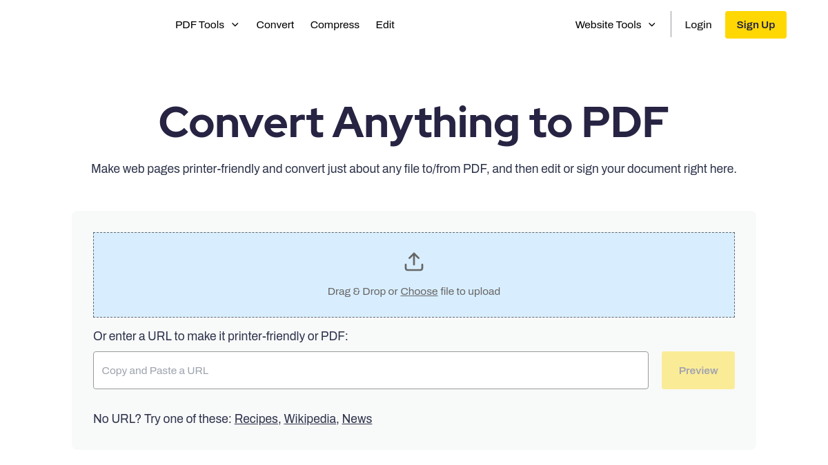
PrintFriendly: Simplifying Document Management
PrintFriendly is a versatile and user-centric tool designed to enhance the way individuals and businesses handle documents, particularly for printing and converting web pages to PDF format. Its primary function is to create printer-friendly versions of web content, eliminating unnecessary clutter like ads and extraneous navigation. As a result, users can achieve clean, well-formatted documents for seamless reading and sharing.
Key Features
- Web Page Optimization: PrintFriendly allows users to remove unwanted elements from a webpage, making it ideal for generating concise and clear printed materials.
- File Conversion: Users can effortlessly convert files from various formats, including Word, Excel, PowerPoint, and images, into editable PDFs.
- Editing Capabilities: The tool includes a PDF editor, enabling users to modify documents directly within the platform without needing additional software.
- Digital Signing: It offers easy electronic signatures for ensuring document authenticity and streamlining approval processes.
- Integration Options: PrintFriendly provides a Chrome Extension and a WordPress plugin, allowing easy integration into existing workflows.
Target Audience
PrintFriendly caters to a wide audience, including professionals, small business owners, educators, and students. Anyone who frequently needs to print or share documents will find its features beneficial. It particularly resonates with publishers and online store owners who want to provide their users with easy-to-read and printable content.
Benefits of Using PrintFriendly
By utilizing PrintFriendly, users can save time and resources. The ability to customize content before printing or converting enhances productivity and ensures important information is highlighted while unnecessary elements are omitted. The PDF conversion and editing features streamline document handling, making it easier to manage workflows.
Unique Aspects
What sets PrintFriendly apart is its focus on creating an optimal reading experience by removing clutter while retaining essential content. The added functionalities for conversion and editing, alongside easy-to-use integrations, position PrintFriendly as a powerful resource for anyone looking to simplify their document management tasks.