

GstarCAD offers powerful 2D/3D design and drafting software for various industries, compatible with .dwg file format, featuring tools for architectural and mechanical engineering applications.
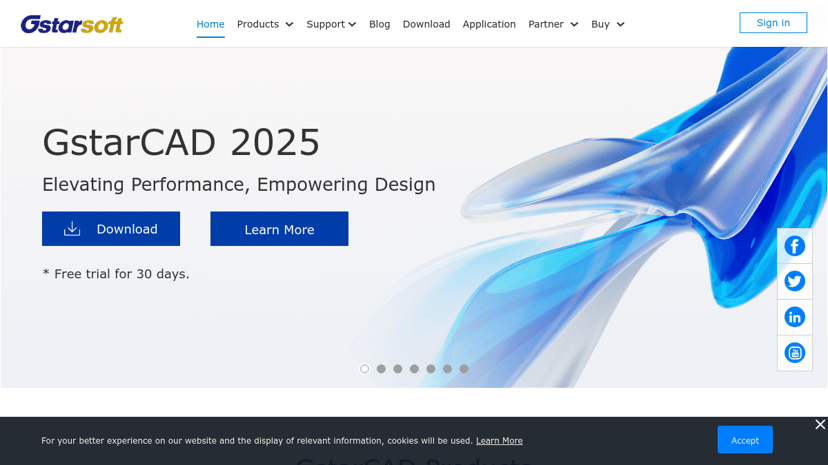
GstarCAD: A Versatile CAD Solution for Professionals
GstarCAD provides a comprehensive CAD software solution designed for both 2D and 3D design and drafting. With applications across various industries, including architecture, mechanical engineering, and manufacturing, GstarCAD supports the widely used .dwg file format, ensuring compatibility and ease of use for professionals.
Key Features
GstarCAD shines with its range of functionalities that cater to diverse design needs. Some key features include:
- Intuitive User Interface: The software is user-friendly, making it accessible to both seasoned designers and beginners.
- Robust 2D and 3D Capabilities: GstarCAD enables seamless switching between 2D drafting and 3D modeling, which is beneficial for multi-dimensional design projects.
- Collaboration Tools: The software supports real-time collaboration, allowing multiple users to work on projects simultaneously, enhancing teamwork and productivity.
- Mobile and Web Accessibility: Users can access and annotate CAD files from mobile devices or web browsers, facilitating design work on the go.
Target Audience
The primary users of GstarCAD are professionals in sectors such as architecture, engineering, and manufacturing. It appeals to designers, drafters, and project managers who require reliable and efficient tools to create high-quality designs and drawings.
Benefits of Using GstarCAD
Adopting GstarCAD can significantly improve workflow efficiency. Its intuitive design means that users can quickly familiarize themselves with the software, reducing the learning curve. Additionally, the ability to collaborate in real-time fosters better communication among team members, leading to more cohesive project outcomes.
Unique Aspects
What sets GstarCAD apart is its focus on performance and stability. Backed by over 20 years of continuous improvement, the software remains lightweight yet powerful, accommodating various hardware configurations without compromising on speed or reliability. Furthermore, GstarCAD’s full compatibility with ACAD drawings aids in effortless project transitions.
Integrations
GstarCAD integrates seamlessly with various tools and platforms, enhancing its functionality. Users benefit from features that support efficient data management and project coordination within their existing workflows. This connectivity makes GstarCAD a practical choice for those looking to enhance their design capabilities.