

Soda PDF
Soda PDF offers powerful, easy-to-use tools for creating, editing, converting, and signing PDF files, with features like OCR, e-signatures, and secure document management for seamless workflows.
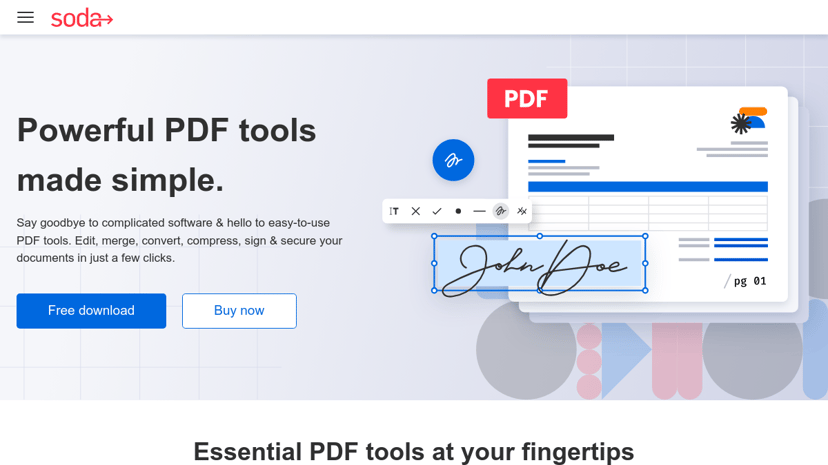
Soda PDF: Streamlined PDF Management for Professionals
Soda PDF is a versatile software designed to simplify the process of creating, converting, editing, and signing PDF documents. Its user-friendly interface makes it accessible, allowing users to handle PDF operations efficiently without needing extensive technical knowledge.
Key Features
- Comprehensive Editing Tools: Users can modify text, add images, and annotate documents directly within the PDF format. Features like whiteout, highlighting, and stamping enable precise adjustments to the content.
- Conversion Capabilities: Easily convert documents between various formats such as Word, Excel, PowerPoint, HTML, and more. This flexibility is especially beneficial for businesses needing to repurpose documents for different uses.
- E-Signature Integration: The software allows users to sign documents electronically, streamlining workflow processes and reducing paper dependency.
- Collaboration Tools: With features for merging, compressing, and sharing PDFs, Soda PDF fosters efficient teamwork, facilitating the editing and signing of contracts and informal documents alike.
- Cloud Accessibility: Access files from any device via the cloud, enabling remote work and collaboration from different locations.
Target Audience
Soda PDF caters primarily to business professionals, students, and anyone who frequently interacts with PDF documents. Its ease of use makes it a good fit for those who may not be technologically inclined but require robust document management tools.
Benefits of Using Soda PDF
The software enhances productivity by simplifying complex document processes. Users can quickly accomplish tasks like document conversions and edits, which saves time and reduces frustration.
Unique Aspects
What sets Soda PDF apart is its combination of powerful features within a straightforward interface. The ability to access the software both online and offline ensures flexibility in how users manage their documents, catering to diverse working styles and environments.
Integrations
Soda PDF seamlessly integrates with popular cloud storage services such as Dropbox, Google Drive, and SharePoint, making it easier to organize and share documents across different platforms.
With its range of functionalities and focus on user experience, Soda PDF stands out as a reliable solution for managing PDF documents effectively.