

Best Content Management System products
A Content Management System (CMS) simplifies website creation and management. We help you explore top CMS options tailored to your needs for optimal performance and user experience.
Product
One Publish
Cross-publish content effortlessly from Notion to multiple platforms.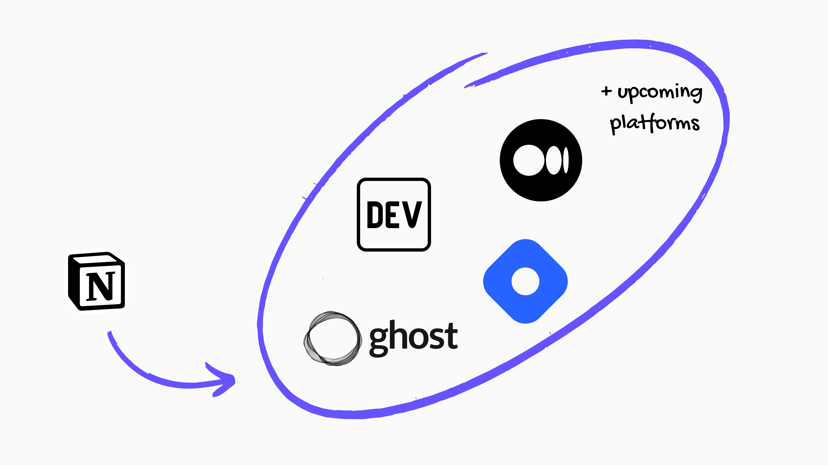
Freemium
CustomWriting
Professional custom essay writing service with timely delivery.
Freemium
ClipGPT
AI-powered platform for summarizing and organizing bookmarks and notes.
Freemium
Captain
AI-powered platform for automated content creation and lead generation.
Freemium
BrainyAI
AI sidekick for chat, search, read, and summarize.
Paid
Kindred Tales
Create personalized keepsake books for preserving life stories.
Freemium
Writeseed
AI writing assistant for fast SEO-optimized content creation.
Freemium
LinkAce
Self-hosted bookmark archive for organizing and preserving links.
Freemium
Infographic Ninja
AI tool that converts text into branded infographics instantly.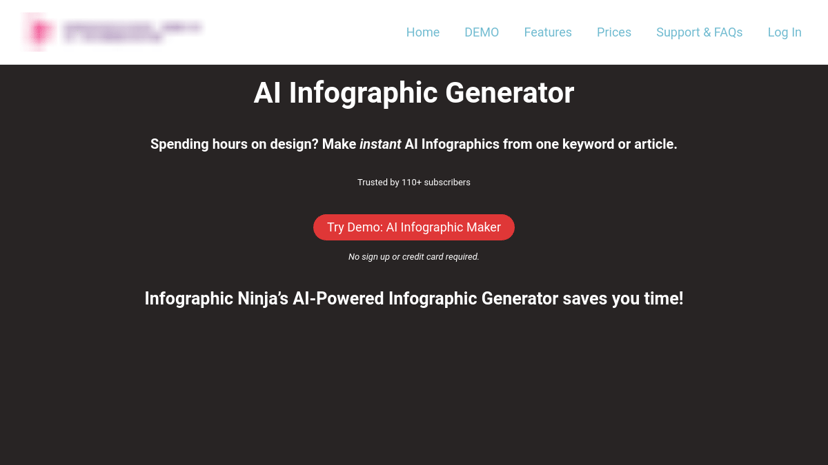
Freemium
Nolan
AI-driven script writing software for efficient screenplay creation.Freemium
Humanize AI Text
AI tool for converting robotic text to human-like writing.
Freemium
Grammarly
AI writing assistance for clear and persuasive communication.
Freemium
BlogToPin
Pinterest automation tool for effortless pin creation and scheduling.
Freemium
HyperBooth
AI image generator for realistic headshots in 30 seconds.
Paid
Heeps
AI platform for bulk generating and publishing articles.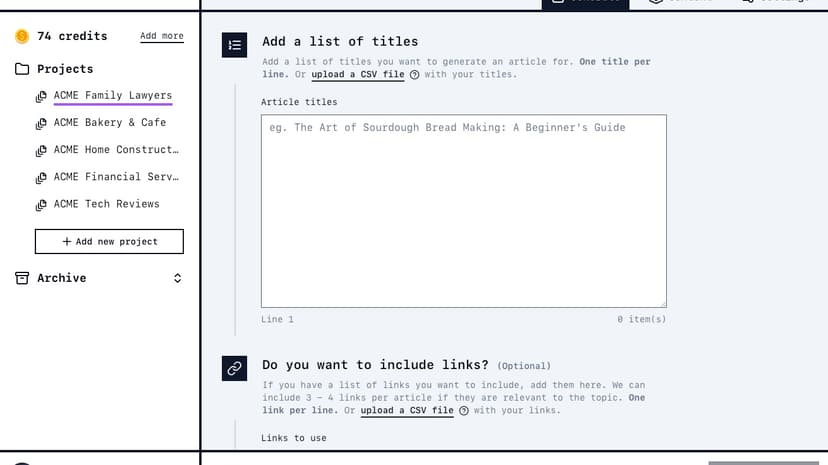
Product
Browse GPT
Contextual answers from webpages without leaving the page.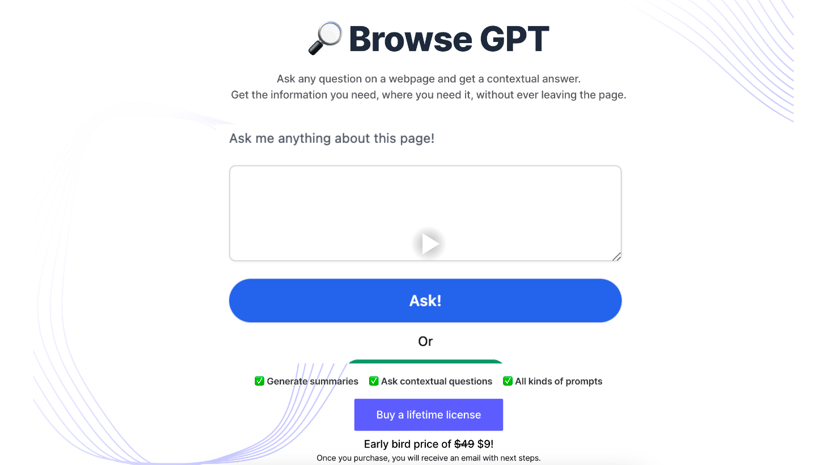
Product
NewsCord
Generative AI compares news coverage and reveals media bias.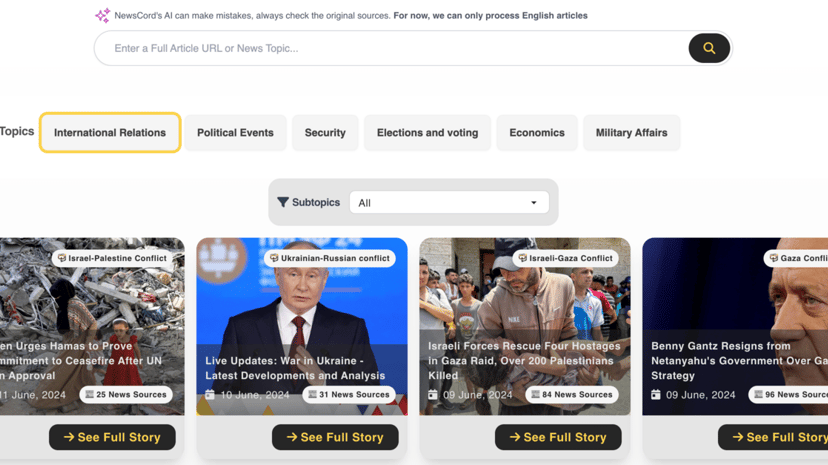
Paid
AiWidgetPro
Custom AI widgets to boost site engagement and retention.
Freemium
SocialDude
AI-powered tool for creating engaging social media content.
Freemium
AI Intern
AI-powered tool for generating diverse content and documentation.
Freemium
MagicPost
AI-powered LinkedIn post generator for efficient content creation.
Freemium
ReyoAI
AI platform for generating SEO-optimized content and visuals.
Freemium
SEO Blog Generator
AI-powered tool for generating SEO-optimized blog posts.
Freemium
SEO Writing AI
AI tool for 1-click SEO-optimized article generation and publishing.
Paid
MotionShot
Create quick, informative walkthrough guides with visual aids.
Understanding Content Management Systems (CMS)
What is a CMS?
A Content Management System (CMS) is a software application that facilitates the creation, management, and modification of digital content. Typically used for web content management (WCM) and enterprise content management (ECM), a CMS provides a user-friendly interface that allows individuals with minimal technical knowledge to manage websites effectively.
Why Use a CMS?
The primary advantage of a CMS is the ease of use it offers. It eliminates the need for users to learn coding or web design. This feature appeals to small business owners, bloggers, educators, and enterprises looking to maintain a dynamic web presence without significant investments in specialized web development skills.
A CMS helps streamline the process of updating website content, ensuring information remains current and relevant. It supports collaboration, allowing multiple users to work on the site simultaneously. This capability is particularly useful for businesses that operate dynamic websites needing frequent updates, such as news portals, e-commerce platforms, and blogs.
The flexibility offered by a CMS is another significant benefit. Customizations, extensions, and plugins cater to diverse needs, from SEO optimization to incorporating e-commerce functionalities. A CMS also enhances website security by providing regular updates and patches, safeguarding the site against vulnerabilities and threats.
Common Features of a CMS
When choosing a CMS, several essential features warrant consideration.
User Management
Effective user management capabilities allow the assignment of different roles and permissions. This ensures only authorized users can make significant changes to the site, while others may have restricted access based on their responsibilities.
Content Editing and Publishing
The core function of any CMS lies in its content editing and publishing tools. A good CMS includes a WYSIWYG (What You See Is What You Get) editor, enabling users to format text, embed media, and create links without diving into HTML or CSS.
SEO Tools
Search Engine Optimization (SEO) improves site visibility and ranking on search engines. A high-quality CMS offers built-in SEO tools or plugins that help optimize content, meta tags, and URLs for better search engine performance.
Themes and Templates
Pre-built themes and templates provide the foundation for the site's design. A diverse range of themes allows for the easy customization of the site's appearance, ensuring a professional look aligned with the brand identity.
Plugins and Extensions
Plugins and extensions add functionality to the CMS, such as e-commerce capabilities, social media integration, and analytics. The availability of a variety of plugins allows for tailored site enhancements to meet specific needs.
Security Features
Given the increasing importance of cybersecurity, a CMS must offer robust security features, including regular updates, backups, and user access controls, to protect against data breaches and other security threats.
What to Look Out for When Choosing a CMS
Several factors can influence the decision when selecting a CMS.
Usability
The ease of use of a CMS is crucial. Consider how intuitive and user-friendly the interface is, especially for non-technical users. A steep learning curve could hinder efficient content management.
Scalability
The CMS should be able to scale with the growth of your business or content needs. Assess whether the CMS can handle increased traffic, additional content, and extended functionalities over time.
Customizability
Evaluate the level of customization offered. A flexible CMS allows for personalized modifications in terms of design and functionality, catering best to your unique requirements.
Community and Support
A CMS backed by a strong community and customer support can be highly beneficial. Active communities provide a wealth of resources, forums, and tutorials that help troubleshoot issues. Moreover, reliable customer support ensures prompt assistance when needed.
Cost
Consider the cost implications, including licensing fees, hosting, and potential additional costs for plugins or themes. Ensure the total expenditure aligns with your budget.
A well-chosen CMS simplifies content management and helps achieve business objectives with minimal effort. Whether managing a personal blog or an enterprise-level website, the right CMS can be a pivotal tool in enhancing online presence and operational efficiency.