

MotionShot
MotionShot allows users to create quick, informative walkthrough guides using screenshots, annotations, and customizable options, effectively replacing lengthy documentation with short video tutorials and shareable links.
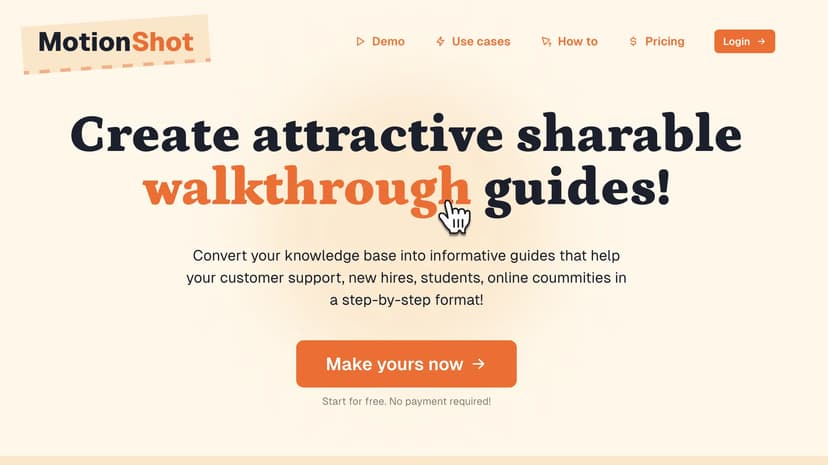
MotionShot: Creating Informative Guides Made Simple
MotionShot is a web-based application designed for individuals and teams looking to create clear and concise walkthrough guides in just minutes. This tool streamlines the process of producing instructional content, allowing users to focus on conveying valuable information rather than getting bogged down in lengthy documentation.
Key Features
MotionShot offers a variety of features to simplify guide creation. Users can easily upload screenshots, annotate them, and add step-by-step descriptions, resulting in visually appealing guides. The platform supports multiple formats, allowing exports as MP4, GIF, or PDF, which enhances versatility in how instructional content can be distributed. The ability to customize guides with branding options further ensures that the final product aligns with organizational identity.
Target Audience
This tool is ideal for businesses, educators, and internal teams who need to share knowledge effectively. Whether it's for onboarding employees, providing customer support, or creating tutorials for clients, MotionShot serves a comprehensive range of use cases. It can be especially beneficial for software companies aiming to improve user experience and reduce support queries.
Why Use MotionShot?
The efficiency of MotionShot significantly reduces the time and effort required to create engaging guides. By replacing lengthy manuals with straightforward, image-rich tutorials, users can convey information more effectively. This approach not only enhances comprehension but also optimizes customer onboarding and operational training processes.
Unique Advantages
One of the standout features of MotionShot is its ability to convert guides into shareable links that can be easily embedded on webpages, emails, or other digital platforms. This flexibility allows organizations to integrate instructional content seamlessly into their existing workflows, maximizing accessibility for users. Moreover, the Chrome extension simplifies the process of capturing screenshots and creating guides directly from the browser, further streamlining the experience.
By combining ease of use with powerful functionality, MotionShot addresses the need for clear communication in both customer-facing and internal processes, helping users to achieve their business goals effectively.