

Best Screen Recording products
Screen recording allows users to capture their screens for tutorials, presentations, or gameplay. We can help you find the best software and tools to enhance your screen recording experience.
Freemium
Komodo
Unlimited screen recording, interactive guides, and AI features.Freemium
AirServer
Universal screen mirroring receiver supporting AirPlay, Google Cast, Miracast.
Freemium
Loom
Advanced screen recording and video sharing tool with editing.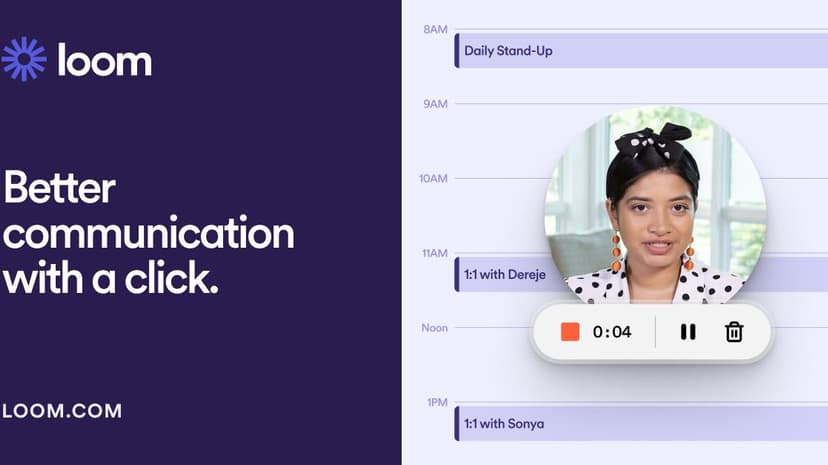
Freemium
Free Cam
Screen recording and video editing software with no limits.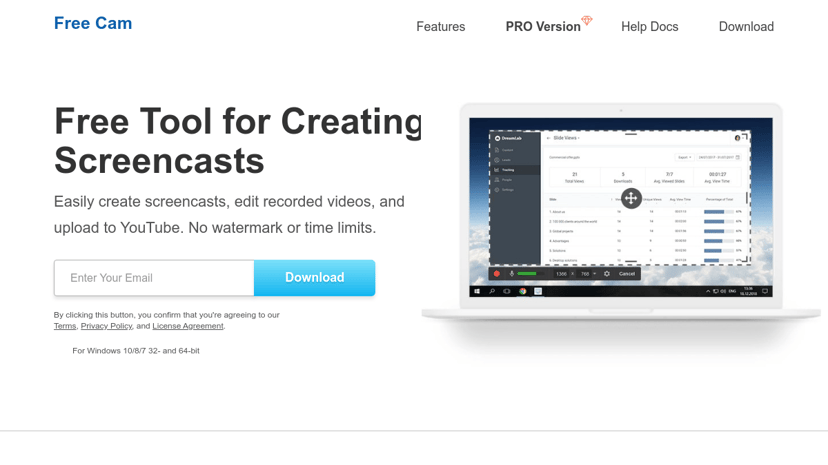
Freemium
ScreenStory
Powerful Mac screen recorder for video tutorials and presentations.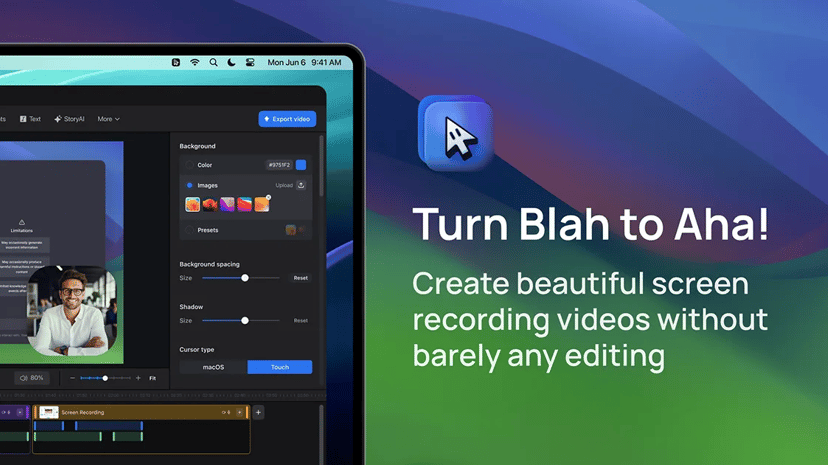
Freemium
LonelyScreen
AirPlay Receiver for screen mirroring on Windows and macOS.
Freemium
Bandicam
Advanced screen, game, and webcam recording software for PC.
Freemium
RecMaster
Easy-to-use screen recorder with HD and 4K support.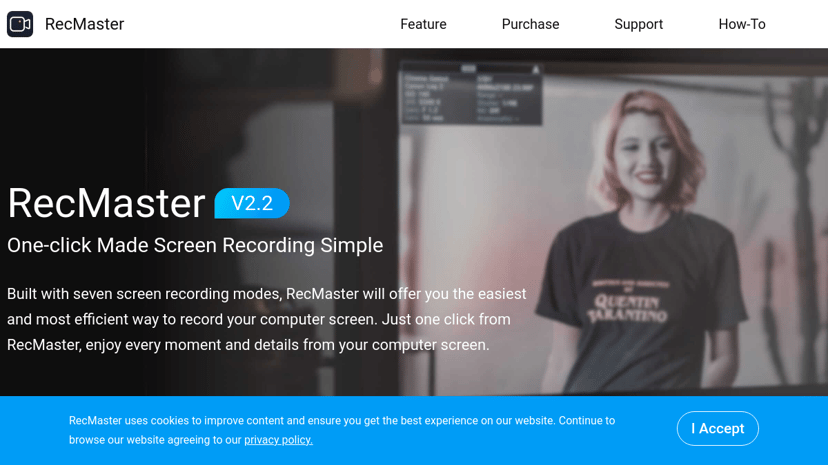
Paid
Screen Studio
Professional screen recorder for engaging demos and tutorials.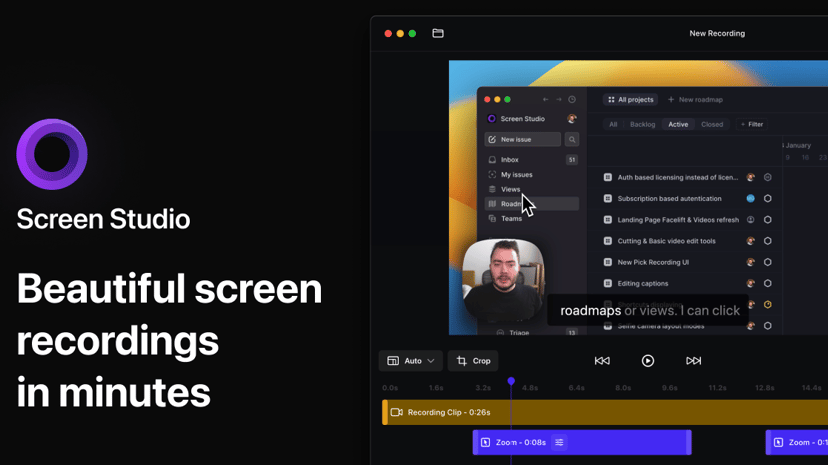
Paid
PicPick
All-in-one graphic design, screen capture, and image editing tool.
Freemium
AirMyPC
Mirror Windows PC screen and audio to Apple TV or Chromecast.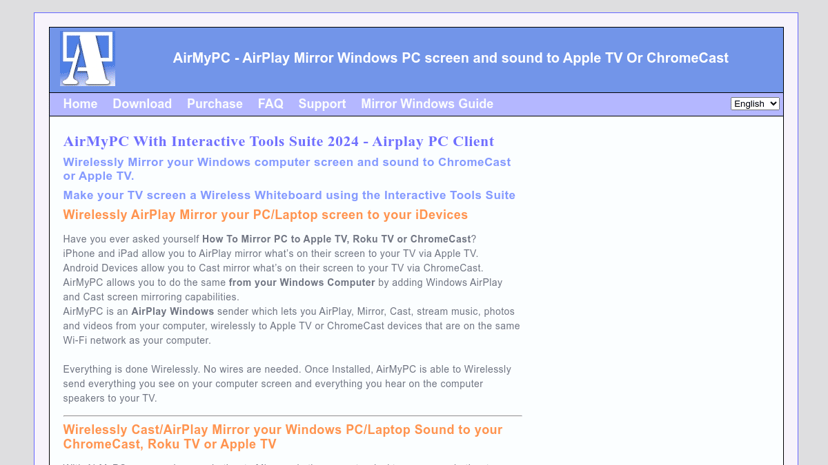
Understanding Screen Recording and Its Benefits
Screen recording is a useful tool that allows users to capture video and audio output from their computer screen. This technology has gained popularity in recent years due to its diverse applications in education, business, gaming, and more. Whether creating tutorials, presenting software demos, or recording gameplay, screen recording caters to various needs and provides a convenient way to share visual content with a wider audience.
Why Use Screen Recording?
One of the primary benefits of screen recording is its ability to simplify complex concepts. For educators, creating instructional videos that illustrate specific tasks or ideas can enhance learning by providing visual context. Screen recording enables the demonstration of processes that written instructions may fail to convey adequately, making it easier for students to absorb information.
In the business world, screen recording can improve communication, streamline training, and increase productivity. For example, remote teams can effectively share knowledge by recording meetings or workflow processes. This eliminates confusion and ensures that everyone is aligned on expectations and tasks. Additionally, customer support teams can utilize screen recordings to guide users through software features, delivering personalized assistance.
Furthermore, for gamers and content creators, screen recording offers an opportunity to share gameplay experiences and tutorials with a global audience. Platforms like Twitch and YouTube thrive on this content, where individuals can showcase their skills, provide tips, and build a community of followers.
Common Features of Screen Recording Tools
When selecting a screen recording tool, users will find a variety of features that enhance the experience:
-
Resolution and Quality Settings: High-definition (HD) recording capabilities ensure that videos are clear and professional.
-
Audio Capture: The ability to record system audio and voiceovers simultaneously provides a comprehensive output, allowing for commentary during recordings.
-
Editing Tools: Basic editing features, such as trimming or adding annotations, improve the final product without the need for additional software.
-
Multiple Output Formats: Support for various file formats (e.g., MP4, AVI) makes it easy to share content across different platforms.
-
Webcam Overlay: This feature allows users to include their webcam feed in recordings, adding a personal touch and enhancing viewer engagement.
-
Hotkeys: Customizable keyboard shortcuts can streamline the recording process, making it convenient to start, pause, and stop recordings quickly.
What to Consider When Choosing a Product
In a competitive market, selecting a screen recording tool can be overwhelming. Here are some factors to consider:
-
Ease of Use: User-friendly interfaces and straightforward features can save time and make the recording experience smoother for beginners.
-
Pricing: Different tools come at various price points, ranging from free versions with limited features to premium subscriptions with comprehensive functionalities. Understanding your budget and needs is essential.
-
Customer Support: Reliable customer support can be invaluable, especially when technical issues arise or assistance is needed.
-
Compatibility: Ensure that the product is compatible with your operating system and integrates well with other tools or software you may already use.
Finding the Best Screen Recording Tool
Navigating the array of screen recording options available can be simplified with the right resources. We provide a directory of the best screen recording products, complete with detailed information on their features, pricing models, and comparisons to competitors and alternatives. This can help users identify which tool best meets their specific needs without unnecessary fuss.
In conclusion, screen recording is a versatile tool that serves various purposes, enhancing how we share information and communicate. By understanding its benefits and knowing what to look for when choosing a product, individuals and businesses can leverage this technology effectively to achieve their goals.