

QCAD
QCAD is a free, open source 2D CAD system for creating technical drawings on Windows, Mac, and Linux, featuring over 40 construction tools and support for various CAD formats.
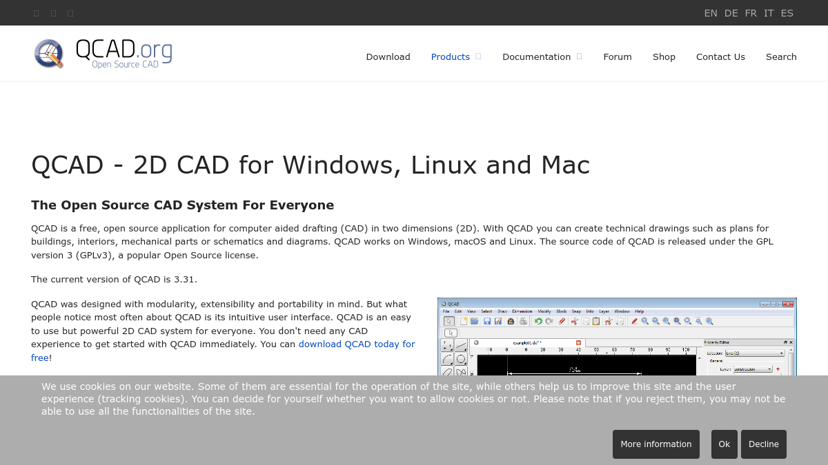
QCAD: A Comprehensive 2D CAD Solution
QCAD is an open-source 2D CAD system compatible with Windows, Linux, and macOS. It serves as a versatile tool for creating technical drawings, making it accessible for designers, architects, engineers, and hobbyists alike. With an easy-to-navigate user interface, QCAD caters to users of all experience levels, from beginners to advanced professionals.
Key Features
QCAD offers a wide range of functionalities that enhance the drawing experience. Users can access over 40 construction tools and 20 modification tools, facilitating precise and efficient design work. Key features include:
- Layer Management: Organize drawings into layers for improved clarity and structure.
- Blocks and Grouping: Efficiently manage complex designs by grouping entities.
- Dimensioning and Text Tools: Easily add annotations to your drawings.
- Measurement Tools: Accurate measuring options for precision.
- File Format Support: Import and export designs in various formats, including DXF and DWG.
Target Audience
QCAD appeals to a diverse audience, including professionals in architecture, engineering, and manufacturing, as well as educators and students in technical fields. Hobbyists involved in DIY projects also benefit from QCAD’s capabilities, providing them with the tools needed for personal creations.
Benefits of Using QCAD
With zero cost and the advantage of being open source, QCAD allows users to achieve their design goals without a hefty investment in software. Its intuitive interface ensures that users can quickly become proficient, while the extensive community support and available documentation aid continued learning and problem-solving.
Unique Aspects
What sets QCAD apart is its commitment to modularity and extensibility. It is designed with features that allow for custom scripts and tools through its ECMAScript interface, tailoring the software to specific user needs. Additionally, it supports multiple unit systems—including metric and imperial—making it adaptable for a wide range of projects.
Integrations
QCAD integrates with various standard CAD file formats, ensuring compatibility with other design software, enhancing collaborative efforts and facilitating smoother workflows. The availability of command line tools further extends its functionality for advanced users needing automation in their CAD tasks.
In summary, QCAD is a robust solution for anyone engaged in 2D drafting, offering flexibility, ease of use, and extensive support in an open-source framework.