

Gpick
Gpick is an advanced color picker and palette editing tool, featuring customizable swatch formats, color mixing, harmonious scheme creation, and export options in various formats.
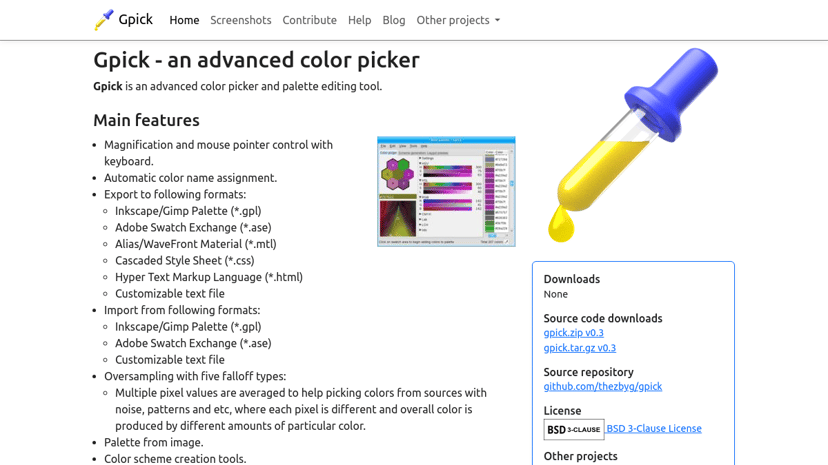
Gpick: Advanced Color Picker and Palette Editing Tool
Gpick is a sophisticated color picker and palette editing tool designed for artists, designers, and developers who need precision and flexibility in their color selection processes. Its user-friendly interface offers a range of functionalities that make it a valuable resource for anyone working in visual design.
Key Features
Gpick boasts several features that cater specifically to the needs of its users:
-
Color Mixing Tools: Users can blend two or more colors with customizable options that allow for various mixing types and steps. This capability fosters the exploration of unique color combinations.
-
Palette Creation: The software supports easy creation and editing of color palettes, enabling users to manage their color schemes effectively.
-
Versatile Export Options: Gpick allows exporting in various formats such as Adobe Swatch Exchange (.ase), GIMP Palette (.gpl), and Cascading Style Sheets (*.css). This flexibility simplifies integration into different workflows.
-
Floating Picker Mode: This feature lets users select and adjust colors while working in other applications, streamlining the creative process.
-
Automatic Color Naming: As users create or adjust colors, Gpick automatically generates names for colors, which helps in organizing and categorizing palettes.
Audience
Gpick is particularly beneficial for graphic designers, web developers, digital artists, and hobbyists looking for an intuitive color selection tool. Its advanced features appeal to those who seek more control over their color choices.
Unique Benefits
What sets Gpick apart from other color pickers is its comprehensive palette editing capabilities, which go beyond standard color selection. The ability to create harmonious color schemes, along with multiple averaging methods for accurate color picking, makes it a robust tool for detailed workflows.
Relevant Integrations
Gpick works seamlessly with popular design software like Inkscape and GIMP, facilitating a smooth transition between color selection and design implementation. This compatibility ensures that users can easily integrate their color choices into larger projects without disruption.
In summary, Gpick serves as an essential tool for anyone looking to enhance their design projects through effective color management, offering flexibility and precision that enrich the creative process.